
LinkedIn InMail is a premium messaging feature that lets you contact people who are not in your first-degree LinkedIn network. It is commonly used for professional outreach such as recruiting, sales conversations, partnership discussions, networking, and mentorship requests.
The blog below explains what LinkedIn InMail is, how it works, how it differs from a normal LinkedIn message, and how to use it well without sounding spammy. It also covers credits, etiquette, practical examples, and the best situations where InMail can open real opportunities.
What Is LinkedIn InMail?
LinkedIn InMail is LinkedIn’s premium direct messaging option for reaching people outside your existing network. A regular LinkedIn message usually works when you are already connected with someone.
InMail is designed for moments when you need to contact a recruiter, founder, hiring manager, prospect, industry expert, or potential partner before a connection exists. It can also help when you need to ask for a referral through LinkedIn and you are not already connected with the right person.
InMail is included with eligible LinkedIn paid plans, including select Premium, Sales Navigator, and Recruiter subscriptions. The exact credit allowance depends on the subscription type, so it is best to check the current plan details inside your LinkedIn account before building an outreach workflow around a fixed number of monthly messages.
One important detail is that InMail is not the same as “message ads” or old marketing terms like Sponsored InMail. In day-to-day usage, most people mean personal one-to-one outreach when they say LinkedIn InMail.
If you are still learning the basics, this guide answers the most common LinkedIn messaging questions in a simple way.
Why LinkedIn InMail Matters for Professional Networking
LinkedIn InMail matters because many valuable professional conversations begin before a formal connection exists. If you are waiting for every useful person to accept a connection request first, you may miss time-sensitive opportunities.
• A recruiter can reach a candidate directly even without a connection.
• A founder or business development manager can contact a potential partner or client with a targeted introduction.
• A job seeker can reach a hiring manager or team lead with a brief, relevant message.
• A professional can contact a mentor, speaker, or industry expert with a thoughtful request.
• An agency or consultant can start a focused conversation when the message clearly adds value.
Used well, InMail helps people move from passive profile browsing to real professional conversations. Strong outreach works better when you first build better LinkedIn connections with relevant people in your industry.
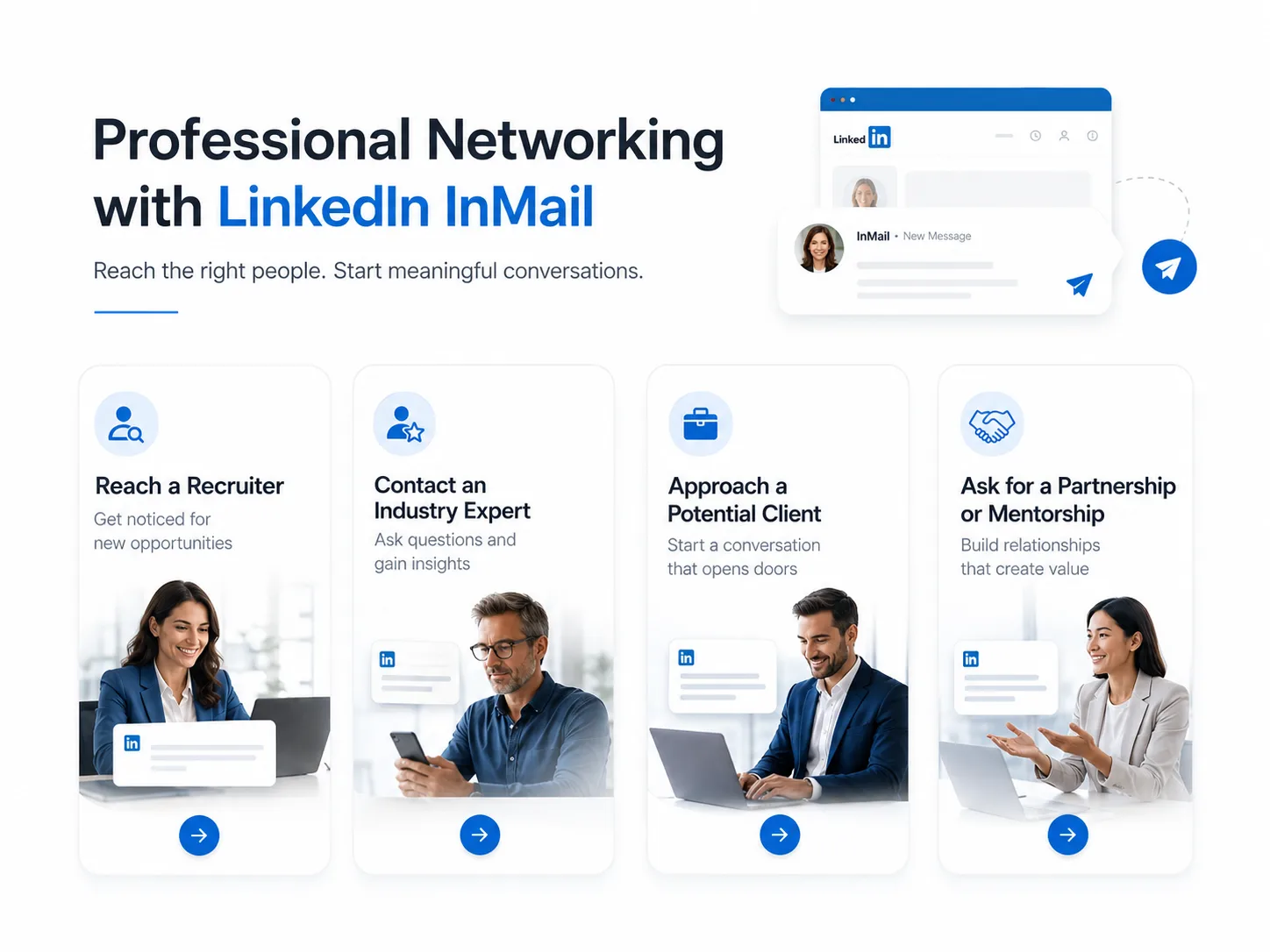
Use cases: common professional situations where InMail can be useful.
LinkedIn InMail vs LinkedIn Message vs Connection Request
Many people confuse these three options. The easiest way to understand them is to think about timing and relationship stage.
Feature | LinkedIn InMail | LinkedIn Message | Connection Request |
|---|---|---|---|
Who you can contact | People outside your first-degree network | Your existing first-degree connections | People you want to connect with |
Need a connection first? | No | Yes, in most normal cases | No, but it is only a request to connect |
Best use case | Professional outreach | Ongoing conversations | Starting a new relationship |
Main advantage | Direct access | Easy follow-up and dialogue | Low-friction introduction |
Main limitation | Requires eligible paid access and credits | Limited by your existing network | Does not guarantee a conversation |
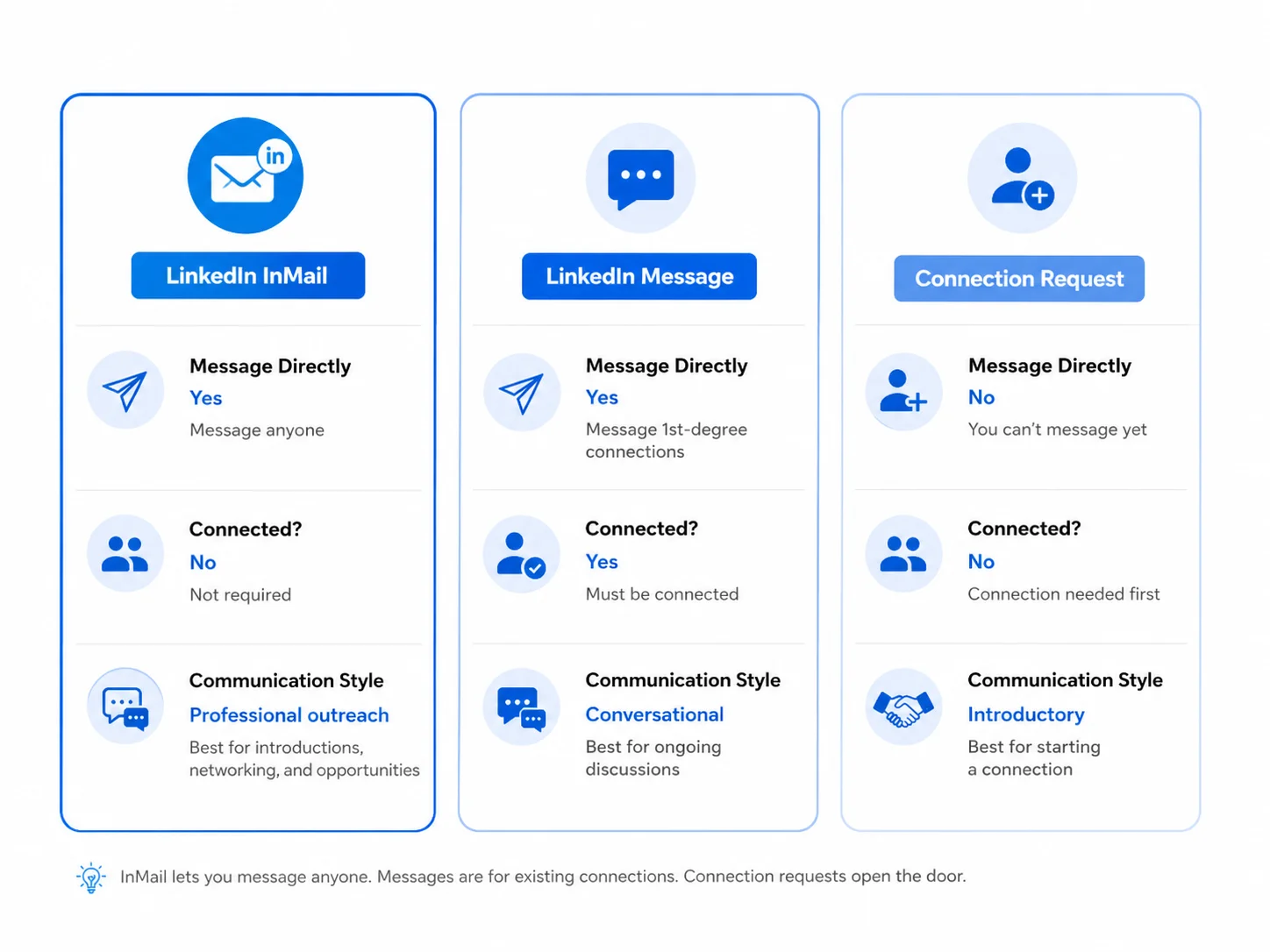
Visual comparison: InMail, regular messages, and connection requests.
A connection request is often the softer first step. InMail is usually better when you need a more intentional message and want to explain the context right away.
How LinkedIn InMail Works
1. It is tied to eligible paid plans
You usually need an eligible LinkedIn paid product to send InMail. That may be a Premium account, Sales Navigator, or a Recruiter product, depending on the workflow you use.
2. You receive a monthly credit allowance
InMail typically works on a credit system. The number of credits varies by subscription. Some plans also have rules around carrying unused credits forward. Because LinkedIn can adjust plan benefits, you should always verify the current credit terms in your subscription details instead of relying on an old blog or screenshot.
3. Some people may be reachable without using a standard InMail credit
Some members enable features such as Open Profile. In those cases, messaging conditions can differ from standard InMail. The safe practical takeaway is simple: if LinkedIn allows you to send a message without consuming a normal InMail credit, the interface will usually make that clear.
4. It is designed for relevance, not mass blasting
InMail works best when you use it selectively. Sending highly targeted messages is not just better etiquette. It also leads to better outcomes. Generic mass outreach rarely produces strong replies.
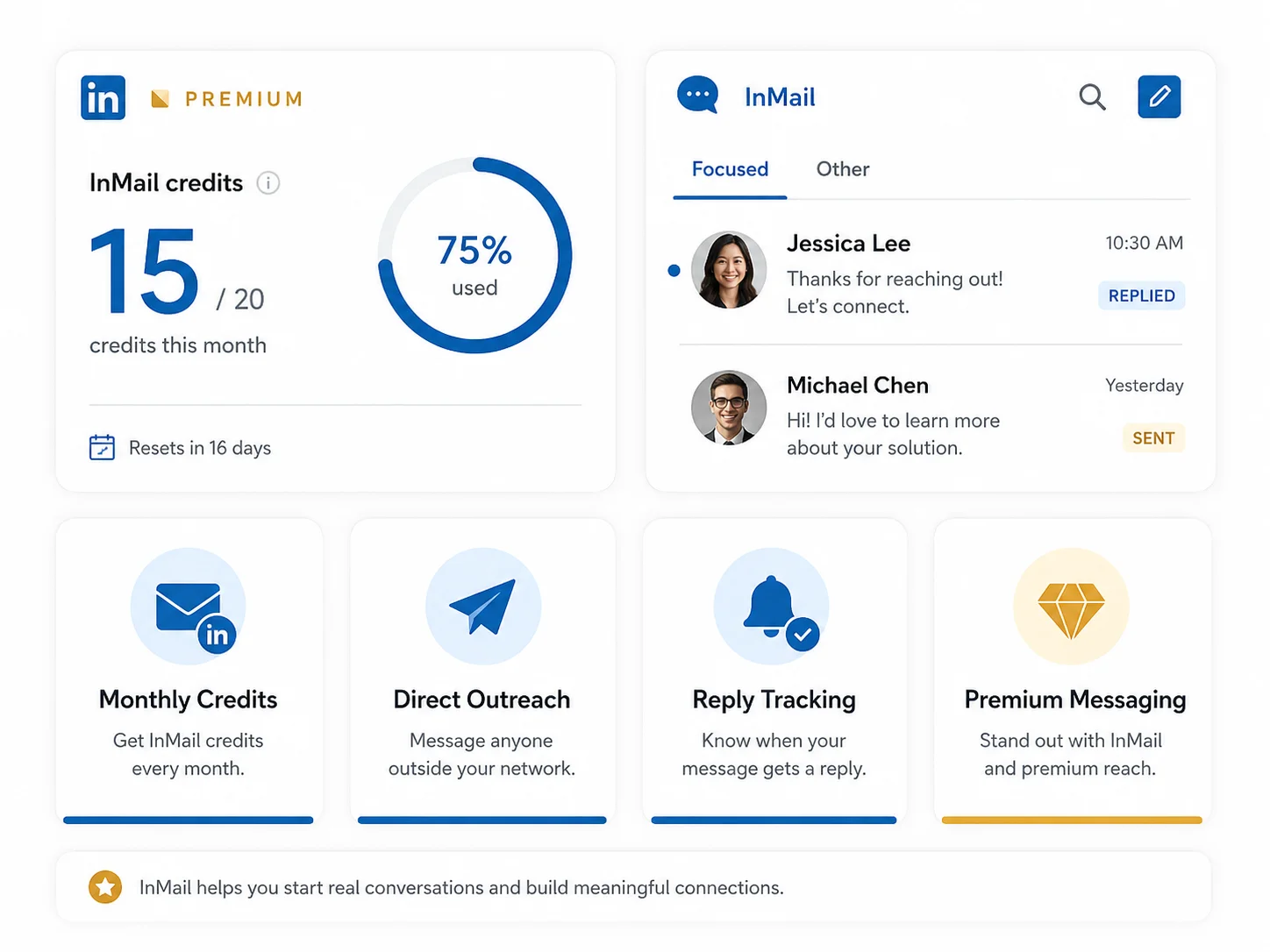
InMail overview: credits, inbox behavior, and premium messaging context.
Features and Limitations of LinkedIn InMail
Main features
• Direct access to professionals outside your immediate network
• A structured way to start recruiting, business, and networking conversations
• Useful for targeted outreach where a connection request may feel too limited
• Accessible on both LinkedIn desktop and mobile apps.
Main limitations
• You generally need a paid plan that supports InMail
• Credits are limited, so wasteful outreach is expensive
• Busy professionals may still ignore weak or irrelevant messages
• Poor outreach can damage your credibility, even if the platform lets you send the message
The real limitation is not just credits. It is attention. The people worth reaching are often busy. That is why every InMail should earn its place in their inbox.
LinkedIn InMail Credits
Credits are the practical side of InMail. While the exact number varies by product, the principle is the same: your plan gives you a monthly allowance, and you use credits to send new InMail messages. For that reason, efficiency matters.
1. Prioritize high-value recipients. Use credits on people where a direct conversation could realistically lead to a job, a meeting, a deal, or a valuable professional relationship.
2. Avoid low-context outreach. If your message could easily be replaced by a connection request or a public comment, save the credit.
3. Track what gets replies. Notice which subject lines, industries, and message structures lead to useful responses.
4. Use short follow-up logic. One polite follow-up can work. Repeated nudges usually do not.
Best Practices for Using LinkedIn InMail
The best InMail messages feel personal, relevant, and easy to reply to. They do not sound like copy-paste outreach.
1. Start with context. Mention why you are reaching out. This could be a shared industry, a recent post, a job opening, or a specific reason you think the conversation is relevant.
2. Personalize the message. Use the recipient’s name and refer to something real about their role, company, background, or content.
3. Keep it concise. Most good InMail messages can be understood in under 20 seconds.
4. State the value clearly. Explain what the recipient gains from replying. That may be a useful conversation, a relevant opportunity, a specific insight, or a practical solution.
5. Use one clear next step. Ask for one simple action, such as a short call, a reply, or permission to share more detail.
6. Proofread before sending. Typos, wrong names, and generic openings reduce trust quickly.
7. Follow up politely. If you do follow up, keep it brief and respectful. One gentle follow-up is usually enough.
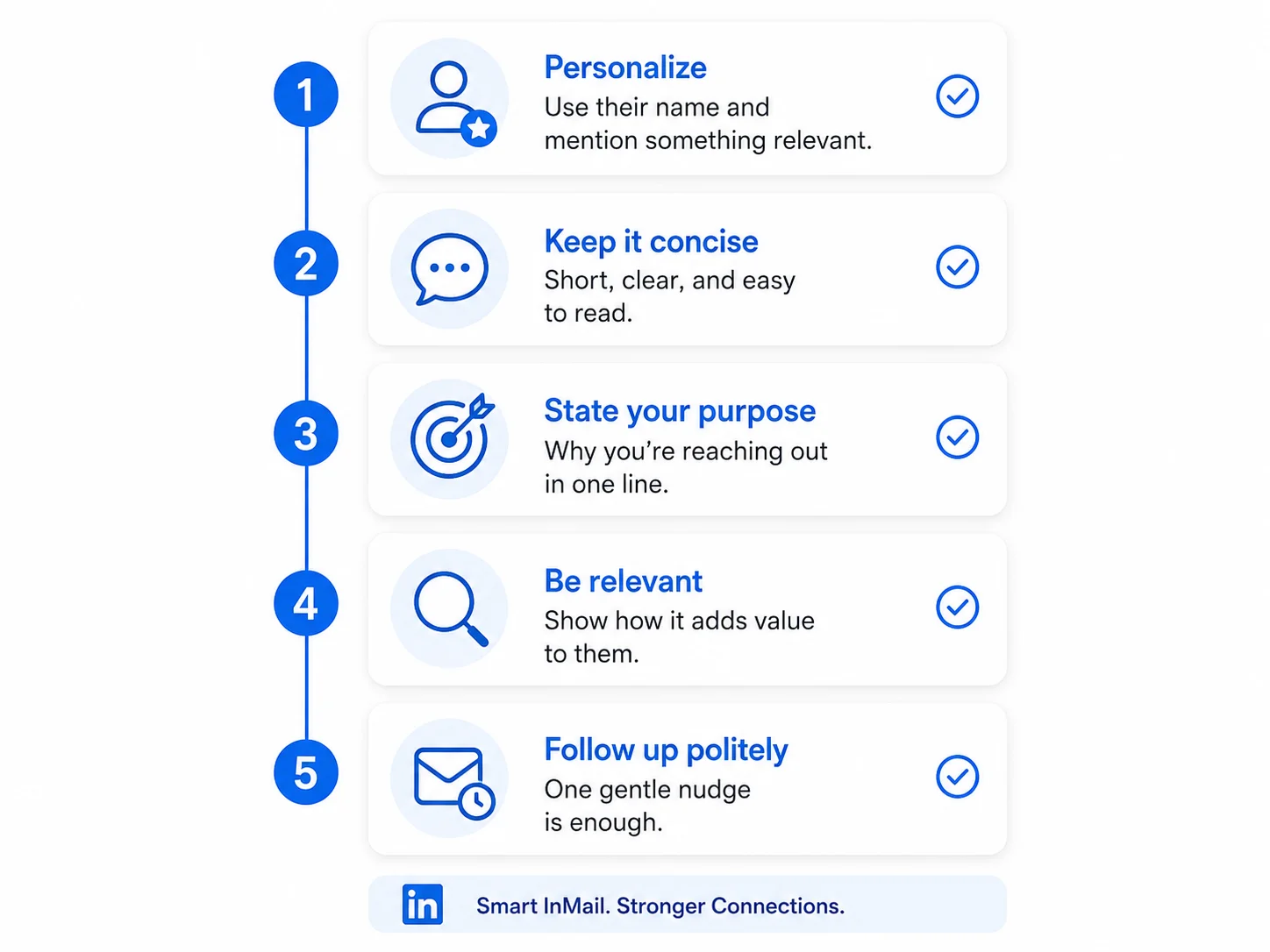
Best-practice checklist for writing stronger LinkedIn InMail messages.
A Simple Structure for a Good InMail
If you are unsure how to write an InMail, use this simple structure:
• Opening line: Say why you are reaching out.
• Relevance line: Show that the message is about them, not just about you.
• Value line: Explain what the conversation could help with.
• Call to action: Ask for a small, clear next step.
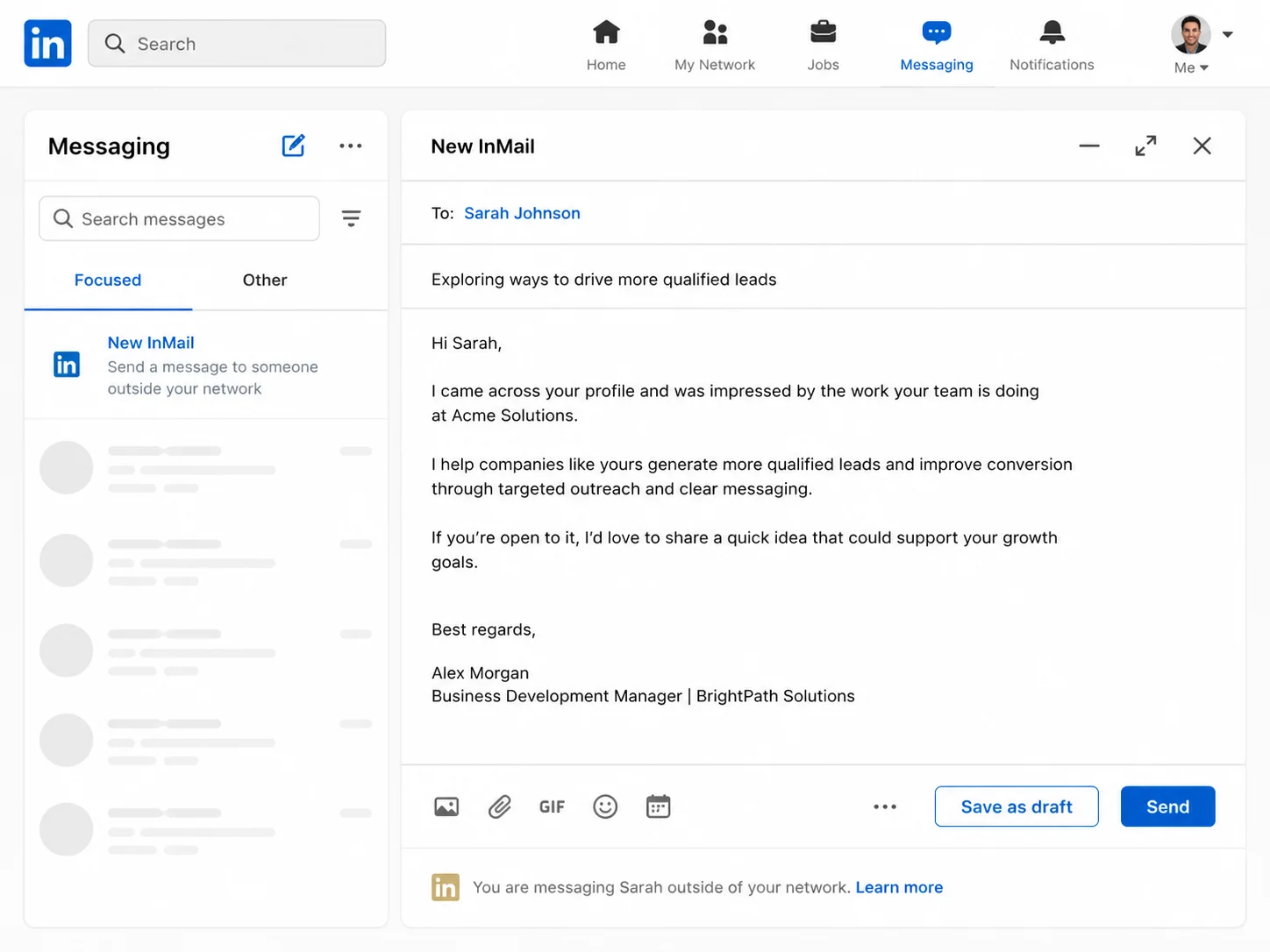
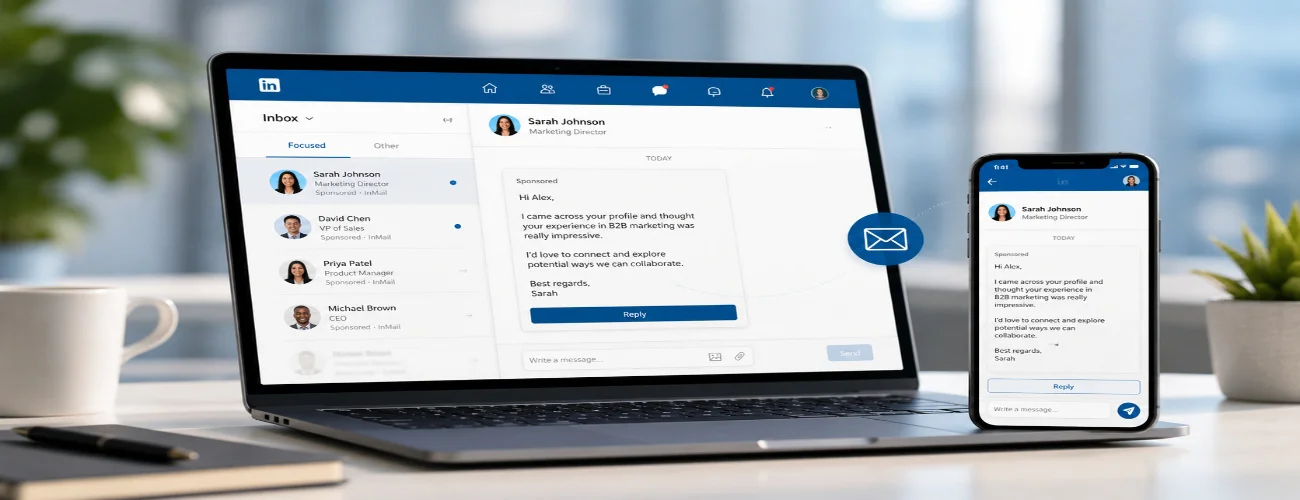
Mockup: a clean example of a concise professional InMail draft.
LinkedIn InMail Examples
Example 1: Job opportunity outreach
Hi Priya, I noticed you are hiring for a content strategist role at your company. I have worked on SEO-led content strategies for service businesses and SaaS brands, and your opening caught my attention. If helpful, I would be glad to share a few relevant work samples and a short note on how I approach content growth. Would you be open to that?
Example 2: Networking with an industry expert
Hi David, I came across your post on B2B demand generation and found your point about message-market fit especially useful. I work in growth marketing and would value your perspective on a challenge we are currently solving around lead quality. If you are open to it, I would appreciate a short exchange here on LinkedIn.
Example 3: Reaching out to a potential client
Hi Sarah, I came across your profile while researching businesses in the hospitality space. I noticed your team is investing in digital visibility, and I believe there may be a few quick wins in local SEO and conversion-focused content. If you would find it useful, I can share two or three practical observations based on your current setup.
These examples work because they are specific, short, and easy to reply to. None of them tries to force a hard sale in the first message.
Etiquette and Professionalism for LinkedIn InMail
Good InMail etiquette is simple. Respect the recipient’s time, attention, and professional boundaries.
• Do not act overly familiar if you do not know the person.
• Do not ask for too much in the first message.
• Do not send long walls of text.
• Do not sound like you copied the same pitch to 500 people.
• Do not use misleading subject lines just to get an open.
• Do stay professional, respectful, and honest about your intent.
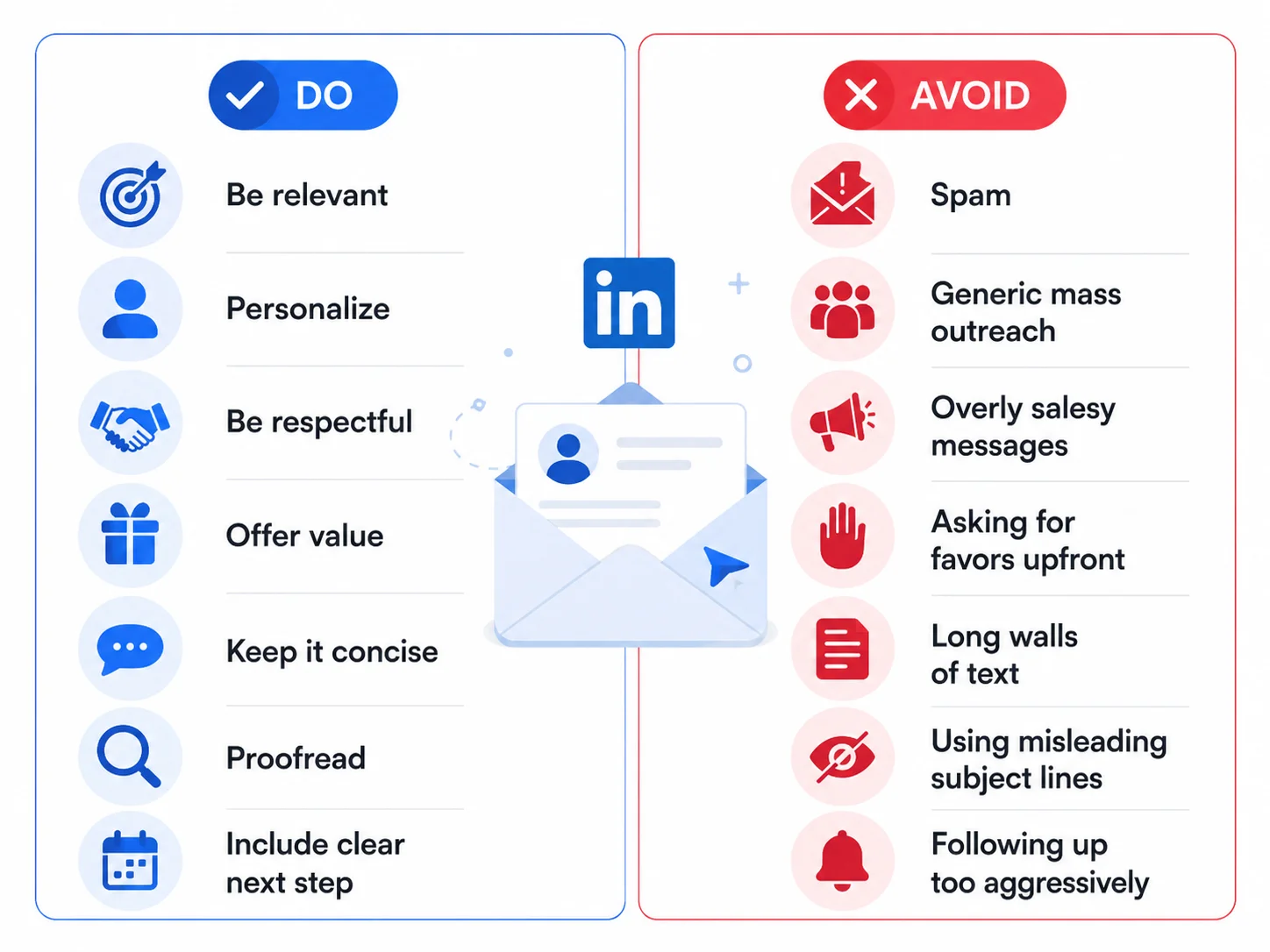
Do and avoid: a quick guide to better LinkedIn InMail etiquette.
Using LinkedIn InMail for Networking and Opportunities
InMail can be useful in many professional situations when it is used with care. The strongest use cases usually have a clear reason behind them.
1. Reaching recruiters and hiring managers. This is one of the most common uses. A concise, relevant message can help you stand out when it adds information that is not obvious from your profile alone.
2. Contacting potential clients. For agencies, consultants, and B2B service providers, InMail can open a conversation when the message is specific and insight-led.
3. Building industry relationships. You can use InMail to reach speakers, mentors, founders, or peers whose perspective matters to your work.
4. Exploring partnerships. Founders and business teams often use InMail to start affiliate, co-marketing, or partnership conversations.
5. Starting high-context conversations. If a plain connection request feels too empty, InMail lets you explain why you are writing in the first place.
Conclusion
LinkedIn InMail is best understood as a professional bridge. It helps you reach people you are not yet connected with, but it only works well when the message deserves attention. A clear reason, a personal opening, a short message, and a respectful call to action go much further than a generic sales pitch.
If you use it thoughtfully, InMail can help with recruiting, networking, business development, and career opportunities. If you need consistent LinkedIn outreach and content support, explore our LinkedIn branding services.