
The best way to ask for a referral on LinkedIn is to first make sure your profile is credible, identify the right person, build a little context, and send a short personalized request that makes it easy for them to help. The request should be respectful, specific, and low pressure. Never ask like you are entitled to a referral.
A LinkedIn referral can help you get noticed, but the referral itself is not the goal. The real goal is to give someone enough confidence to comfortably support you. That only happens when your profile, your message, and your approach all make sense.
This updated guide explains how to ask for a referral on LinkedIn in a professional way, when to ask, whom to ask, what to write, what to avoid, and how to follow up without being pushy.
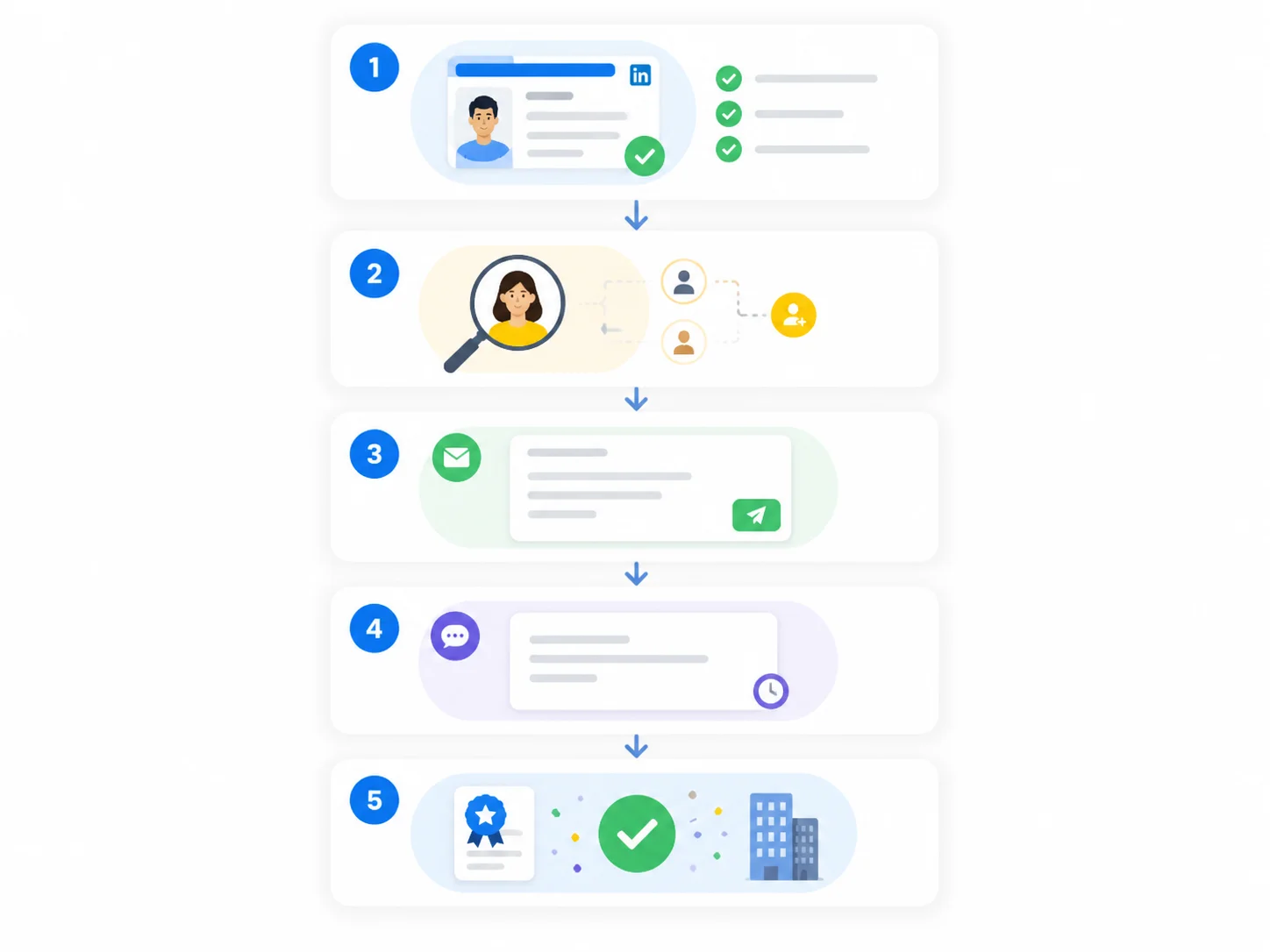
Why Referrals Matter for Job Seekers and Students
Referrals matter because they help your application get extra context. A resume or application form may show that you are qualified, but a referral can signal that someone inside the company sees potential in you or at least believes you are worth a closer look.
That does not mean referrals guarantee interviews or job offers. They do not. Hiring teams still evaluate the candidate. But a thoughtful referral can improve visibility, reduce anonymity, and give your application a better chance of being reviewed seriously.
• They can increase the chances that your profile or application gets noticed.
• They add context beyond your resume or portfolio.
• They can be especially useful for students, freshers, career switchers, and people moving into a new market.
• They help when a company receives a high volume of applicants and internal recommendations carry weight.

Networking relationships matter because referrals are based on trust, not just requests.
Optimize Your LinkedIn Profile Before You Ask
Before asking anyone for help, make sure you strengthen your LinkedIn profile so the person feels confident referring you.
If they click your profile, will they quickly understand who you are, what you do, and why you are a fit for the role?
A weak profile creates friction. A strong profile makes it easier for a contact to say yes because it reduces uncertainty.
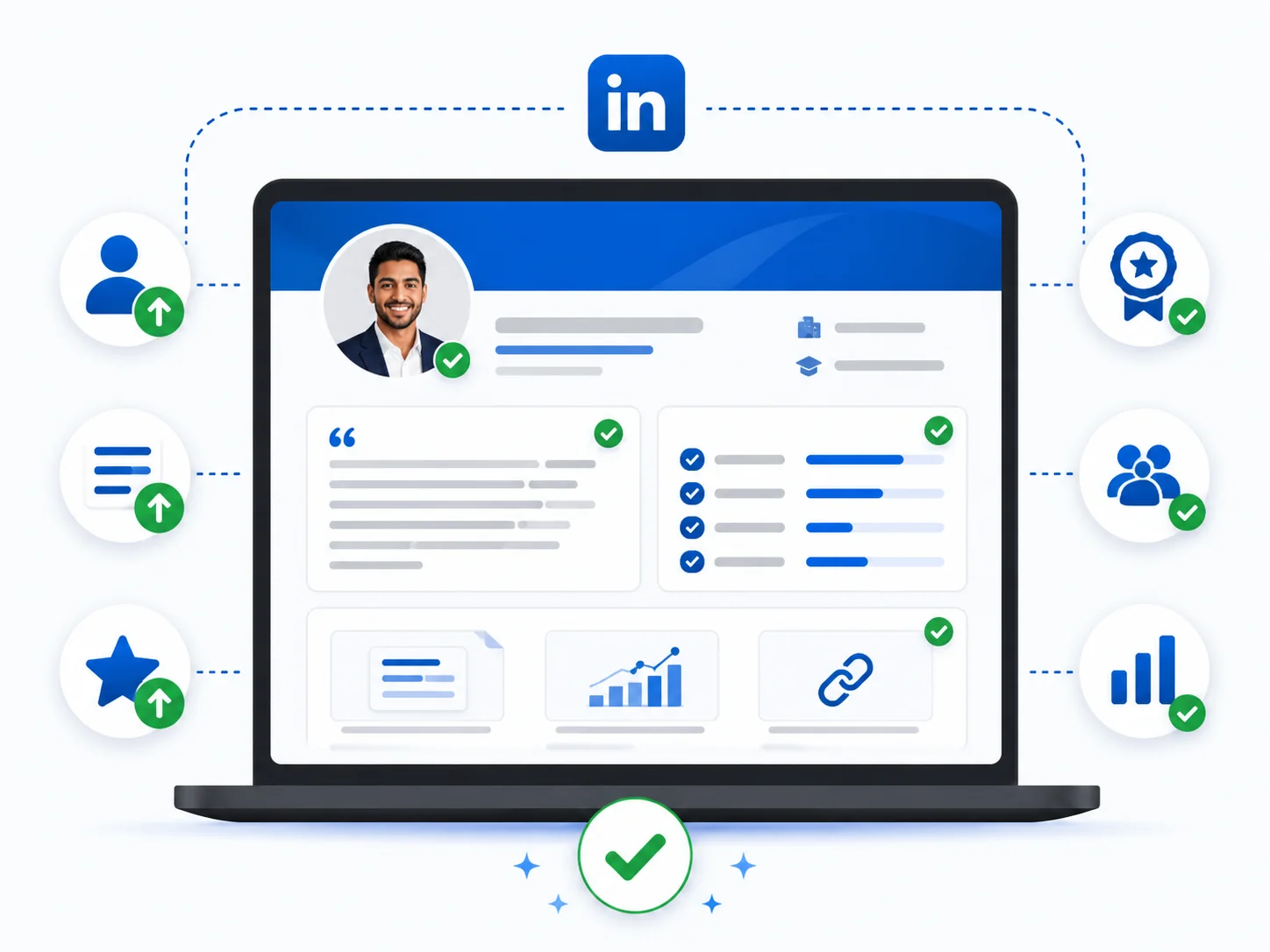
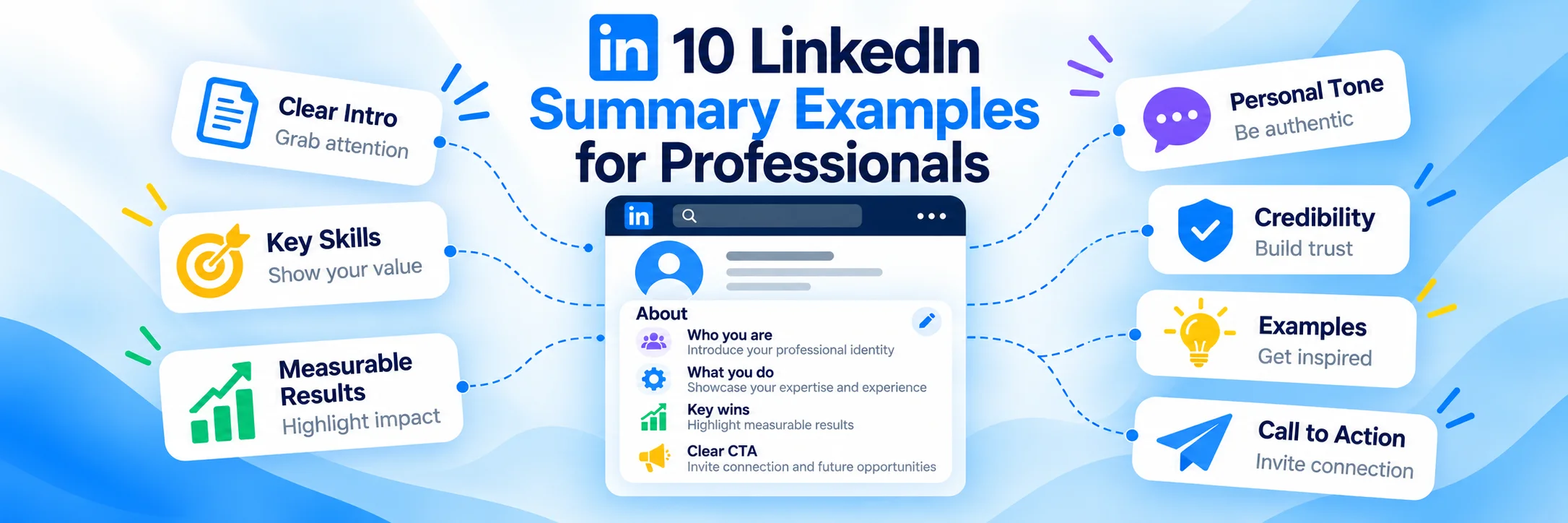
Profile readiness visual: the most important sections to improve before requesting a referral.
1. Use a professional profile photo. Your photo should be clear, current, and appropriate for your industry.
2. Write a strong headline. Go beyond “student” or a plain job title. Explain your focus, area, or career direction.
3. Improve your About section. Briefly describe your background, strengths, interests, and goals in simple language.
4. Update your experience and projects. Even if you are early in your career, include internships, freelance work, projects, volunteer work, and measurable outcomes where possible.
5. Add skills and certifications. Make it easy for someone to see your relevant strengths at a glance.
6. Use the Featured section. Share a portfolio, case study, GitHub, article, resume link, or project deck if it supports your application.
7. Check consistency. Your profile and resume should tell the same story without major contradictions.
Whom Should You Ask for a Referral?
The right person is not always the most senior person. The best referrer is someone who has enough context, enough credibility inside the company, and some reasonable comfort in supporting you.
1. A direct connection working at the company. This is often the best option if you know them professionally.
2. An alumnus from your college or university. Alumni are often more open to helping, especially if the request is thoughtful.
3. A former colleague or manager now working there. This is strong because they already know your work.
4. A second-degree contact you can approach politely. This can work when the connection is relevant and your profile is strong.
5. A recruiter or hiring team member. This is not the same as a referral, but in some cases a polite message can still help open the right conversation.
Avoid asking strangers in a careless mass way. If the person has no reason to trust you, the chance of a referral is low.
Build Some Context Before You Ask
If you already know the person well, you may be able to ask directly. If you are not connected with the person, you can also use LinkedIn InMail to send a more direct and professional message. If you do not know them well, it helps to warm the conversation slightly before asking for a referral.
This does not have to be elaborate. It can be as simple as a brief introduction, a note about why you are reaching out, and a mention of the specific opportunity.
The goal is to avoid sounding transactional. A referral request should feel professional and relevant, not like a random demand from someone who only noticed them because they work at a target company.
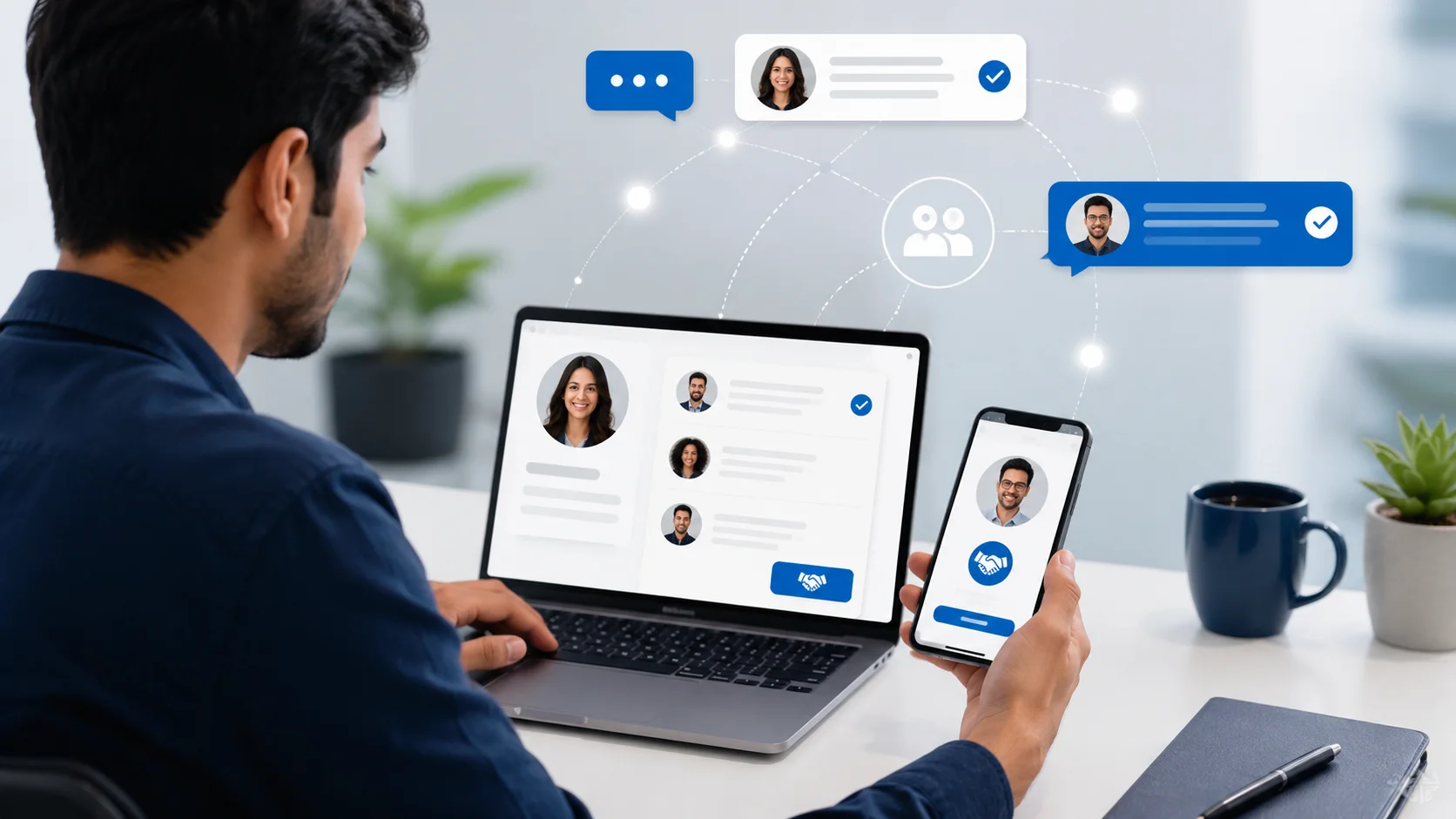
Professional networking in action: reaching out with context, clarity, and a clear reason for the conversation.
The Right Way to Ask for a LinkedIn Referral
Use this simple five-step approach when you are ready to ask.
1. Start with a short introduction. Mention who you are and any real connection point, such as mutual connections, alumni status, industry overlap, or prior interaction.
2. Reference the exact role. Mention the role title or job link so the person understands what you are asking about.
3. Show why you are a fit. Use one or two lines to summarize relevant experience, strengths, or projects.
4. Make the request clear but easy. Ask whether they would be open to referring you or advising on whether you are a fit. The phrasing should leave room for them to decline comfortably.
5. Close politely. Thank them for their time and make it easy to ignore the message without awkwardness.
Referral Request Message Template
Here is a clean sample message you can adapt. If you are unsure how LinkedIn messages work, review these LinkedIn messaging basics before sending your referral request.
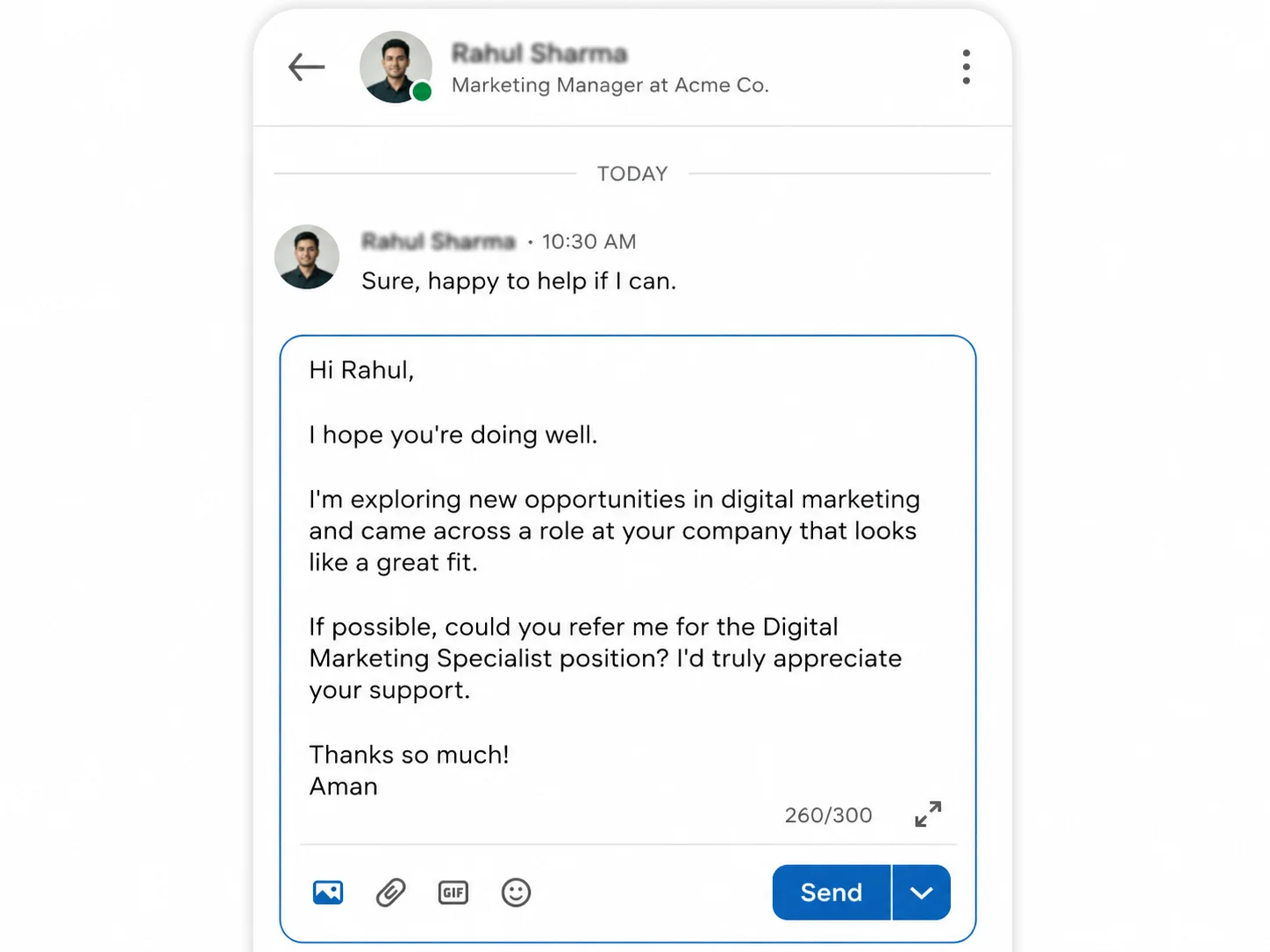
Sample LinkedIn-style referral request message with a polite, clear structure.
Hello [Name], I hope you've been doing well. I came across the [Job Title] opening at [Company], and I noticed that you work there. I have experience in [relevant area], and after reviewing the role, I feel my background in [specific skill, project, or outcome] could be a good fit. If you feel comfortable, would you be open to referring me for the role or sharing any guidance on the process? I would really appreciate your time. Thank you.
This approach works because it's clear, concise, and respectful. It does not assume the person owes you help.
Useful Referral Request Variations
Situation | Best approach |
|---|---|
You know the person well | Ask more directly, but still be respectful and specific about the role. |
You are messaging an alumnus | Mention the shared alumni connection early in the message. |
You do not know them personally | Ask for guidance first if needed, then move toward the referral request if appropriate. |
You are a fresher or student | Highlight projects, internships, coursework, or relevant certifications instead of trying to sound overexperienced. |
You are changing careers | Explain transferable skills and why the role fits your transition. |
Common Mistakes To Avoid
• Sending a generic copy-paste request to many people.
• Asking for a referral before your profile is ready.
• Not mentioning the exact role you want help with.
• Writing a long life story instead of a focused message.
• Acting entitled or making the request feel like an obligation.
• Ignoring the possibility that the other person may not know your work well enough to refer you.
• Following up too aggressively.
One of the strongest habits is to make it safe for people to say no. That protects the relationship and shows professionalism.
Leveraging LinkedIn Features for Better Referral Chances
LinkedIn gives you tools that can make your outreach smarter if you use them well.
• Use the company page to find employees in relevant roles or departments.
• Check alumni search to find former students from your college working at the company.
• Look at mutual connections before reaching out cold.
• Review the person’s activity or profile to find a more natural opening line.
• Use the Featured section on your own profile to showcase proof quickly.
How To Follow Up Without Sounding Pushy
A follow-up is acceptable if the first message received no reply. A short, polite reminder after a few days is enough. In most cases, one follow-up is appropriate. Repeated messages are not.
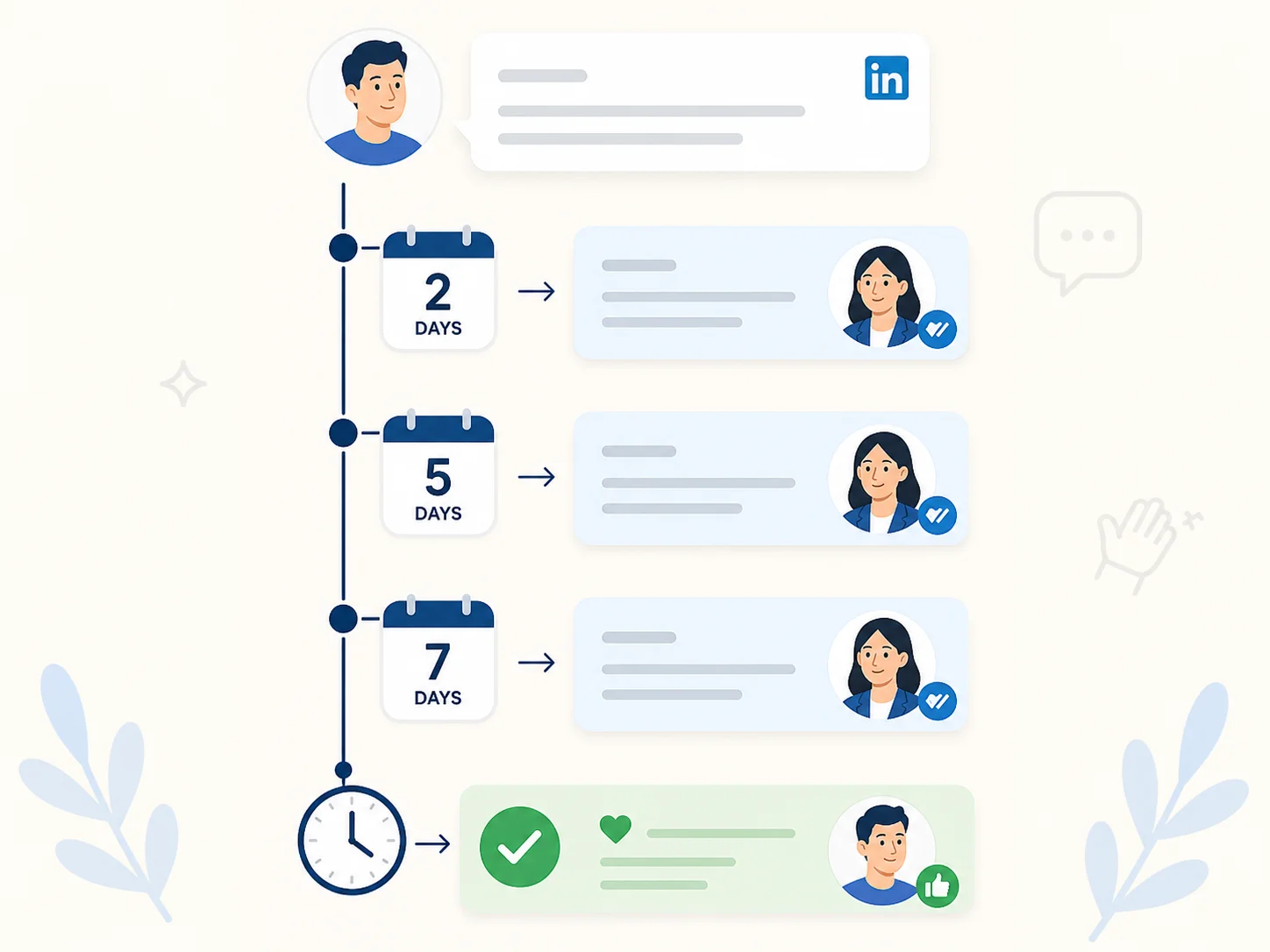
Follow-up rhythm visual: give space, send one polite reminder, and close the loop professionally.
Example follow-up: Hi [Name], just wanted to follow up on my earlier message in case it got buried. If you are open to it, I would still be grateful for any guidance or referral support for the [Job Title] role. Thank you again for your time.
If there is still no response, move on respectfully. Silence is also an answer.
What To Do After Someone Refers You
1. Say thank you promptly. Always acknowledge the help right away.
2. Apply carefully. Make sure your resume, profile, and application are aligned.
3. Keep them updated when appropriate. If you reach the next stage, a short update is enough.
4. Do not overuse the relationship. A referral is already a helpful act. Respect the gesture.
5. Stay professional even if you are not selected. The relationship can still matter later.
Quick Referral Checklist
Question | Check |
|---|---|
Is my LinkedIn profile complete and credible? | Yes / No |
Have I chosen the right person to ask? | Yes / No |
Did I mention the exact job title or link? | Yes / No |
Did I explain why I am a fit in one or two lines? | Yes / No |
Did I keep the request short and respectful? | Yes / No |
Did I avoid sounding entitled or desperate? | Yes / No |
Will I send only one polite follow-up if needed? | Yes / No |
Summary
The best referral requests on LinkedIn are not clever. They are clear, respectful, and easy to support. To improve your chances before outreach, consider our LinkedIn profile optimization support.
In 2026, that is the practical formula: prepare your profile, choose the right person, ask with context, keep it short, and follow up politely once if needed. Done well, a LinkedIn referral request can open conversations that a cold application may not.