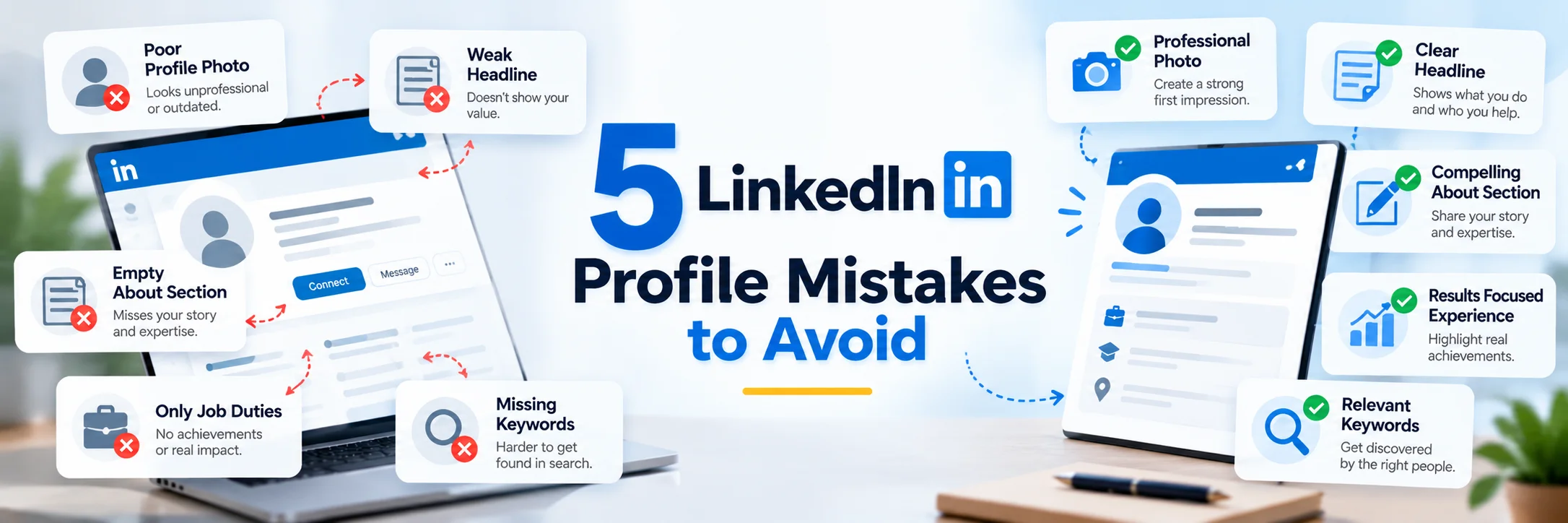

Your LinkedIn profile is often the first thing a recruiter, client, or potential collaborator sees about you. Think about the last time you looked someone up before a meeting, an interview, or a sales call. You probably typed their name into Google, and there was their LinkedIn profile, near the top of the results. You clicked, spent maybe ten seconds scanning it, and formed an impression. Yet many people treat their profile as an afterthought. Here are the five mistakes that cost people the most opportunities, and how to fix each one.
1. Using a Poor Profile Photo
Profiles with photos get far more views than those without, but a bad photo can be worse than none. Cropped wedding pictures, blurry selfies, sunglasses, and group shots all send the wrong message.
How do you fix this
1. Use natural light. Stand facing a window, or go outside on an overcast day when the light is soft and even. Avoid harsh midday sun that creates shadows under your eyes, and avoid overhead indoor lighting that can make faces look tired.
2. Choose a simple background. A plain wall, a softly blurred office, or a natural outdoor setting all work. What matters is that nothing distracting competes with your face. Many phones have a "portrait mode" that blurs the background automatically.
3. Frame it properly. Your face and shoulders should fill about 60 percent of the frame. LinkedIn displays your photo as a small circle in most places, so if you're standing far back, you'll be unrecognizable. Have someone take the picture at eye level or slightly above, since photos taken from below are rarely flattering.
4. Dress for your audience. The rule of thumb is to wear what you'd wear to a professional meeting in your industry. A lawyer and a graphic designer can dress very differently and both look right. The point isn't formality, it's fit. Solid colors usually look cleaner and better in photos than clothes with busy patterns.
5. Look approachable. A genuine smile, with your eyes engaged, makes a big difference. Take a lot of shots. The best photo is rarely the first one, and often it's the one where you were laughing at something between takes.
6. Keep it current. Use a recent photo that clearly shows how you look now.If someone meets you after seeing your profile, they should recognize you instantly. A photo from ten years ago, however flattering, creates a small moment of confusion that you don't want.
A strong photo is only one part of a good profile. Following a few linkedIn profile optimization best practices can help make sure your photo, headline, About section, experience, and skills all work together

2. Leaving the Default Headline
After your photo, your headline is usually the next thing people notice. And yet the vast majority of people never touch it.
What This Mistake Looks Like
"Manager at ABC Company"
"Student at State University"
"Looking for new opportunities"
"Experienced professional with a passion for excellence"
"Freelancer"
How to Fix It
A strong headline answers three questions in a small space:
What do you do? Who do you do it for? What result or specialty sets you apart?
LinkedIn allows up to 220 characters, though only the first 40 or 50 or so show in some places, like comment threads. Start with the words that matter most.Here's a simple formula you can adapt:
[Your role or specialty] | [Who you help or your niche] | [Result or key skill]
Your headline has limited space, so every word needs a purpose. These linkedIn headline optimization tips can help you make it clearer, more relevant, and easier for the right people to understand.
3. Writing a Weak (or Empty) "About" Section
The About section is the closest thing you have to a personal pitch on LinkedIn. It's where you get to tell your story in your own words, and most people either skip it entirely or waste it.Many people leave this blank or paste in a dry list of job duties. Only the first two or three lines show before the "see more" link, so if they're filler, most visitors will never read on.
What This Mistake Looks Like
There are three common failure modes.
The blank section.
This is more common than you'd think. Many people simply never write one, leaving a big empty gap right at the top of their profile.
The resume paste.
Someone copies their job duties into a paragraph: "Responsible for managing a team of five. Handled client relationships. Prepared monthly reports."
This repeats your Experience section and is dull to read.
The third-person biography.
"John is a dynamic professional with over 10 years of experience..." Writing about yourself in the third person can feel stiff and distant, like a conference program.
LinkedIn is a social platform, and people want to connect with a person, not read a press release.
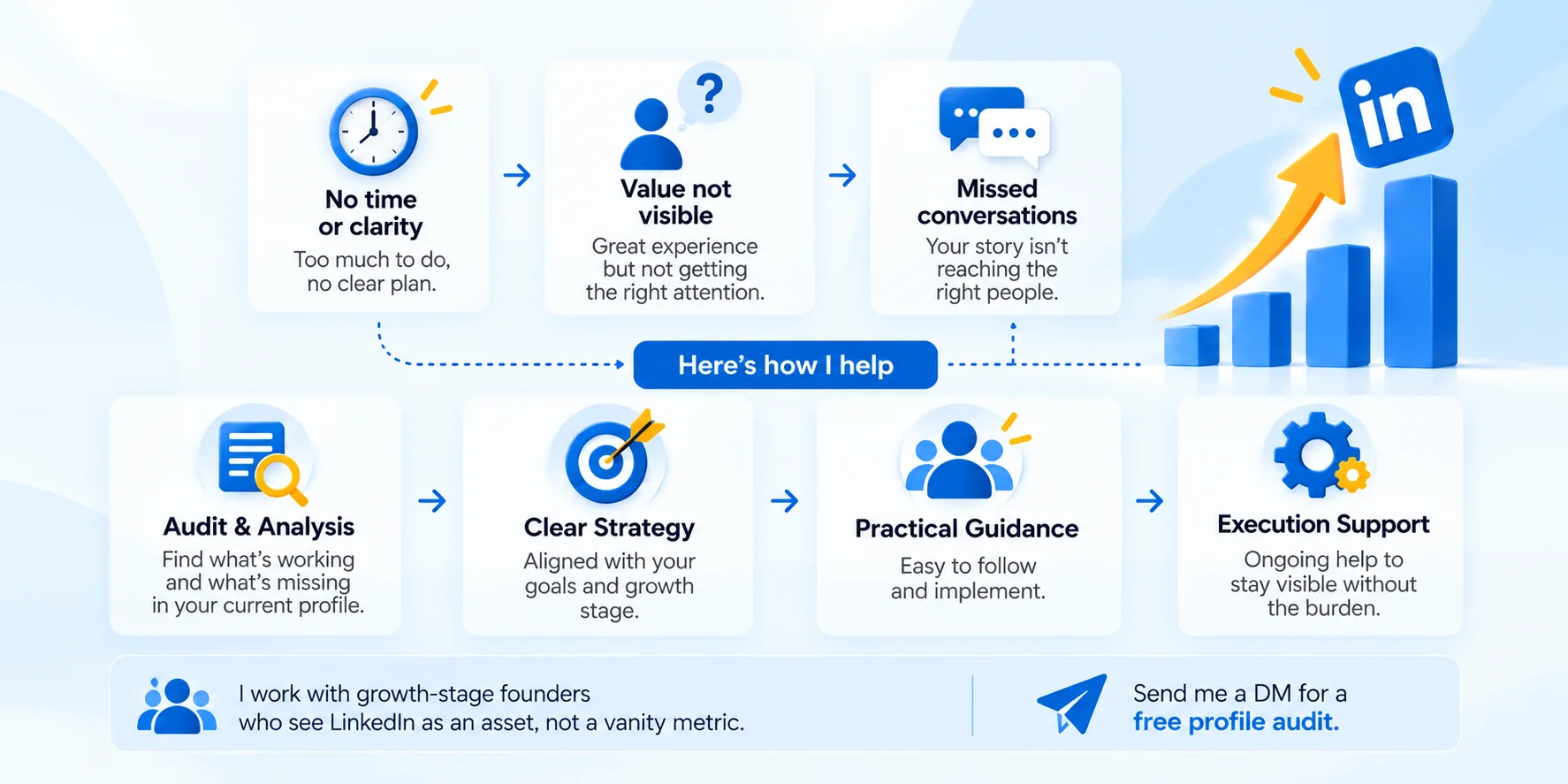
1. The hook (first 2–3 lines)
Start with something that makes the reader want to keep going. This could be a bold statement of what you do, a problem you solve, or a short and honest observation.Remember that this text shows before the "see more" button, so treat it like the headline of a newspaper article.
2.What you do and who you help
In a few sentences, explain your role, your specialty, and the kinds of people or companies you work with. Be specific.
3. Proof
Back up your claims with a couple of concrete results, projects, or milestones. This is where you build credibility. "I've helped more than 30 companies grow organic traffic, including one that tripled its inbound leads in a year" is far stronger than "I have a proven track record of success."
4. A glimpse of the person
This is what turns a resume into a real profile.One or two sentences about what motivates you, how you work, or what you care about.It might be a philosophy, a hobby that connects to your work, or a short line about your values. It doesn't need to be long, but it makes you memorable.
5. A Call To Action
Tell the reader what to do next. Are you open to freelance projects? Hiring?Want to connect with more people in your industry? Say so and make it easy, an example can be .
"If you're looking for help with content strategy, feel free to message me here or email me at [your email]."
4. Listing Duties Instead of Achievements
Take a look at the Experience section of most LinkedIn profiles, and you'll see the same pattern:
A list of tasks they handled in their role:
Responsible for managing accounts.
Responsible for customer service.
Responsible for team meetings.
Responsible for reports.
"Responsible for xyz" tells the reader nothing about whether you were any good at it.
Turning everyday responsibilities into clear achievements is not always easy. Good linkedIn profile writing focuses on the work you did, the difference it made, and why that experience matters to the people viewing your profile.
How to Fix It
The fix is to convert each duty into an achievement using a simple formula.
Think of it as Action + Task + Result.
What did you do, what was it about, and what changed because of it?
A useful way to dig out the results is to ask yourself these questions for each role:
What did I improve, increase, reduce, or save?
Did I do something faster, cheaper, or better than before?
Did I win any awards, recognition, or promotions?
Did I lead, train, or mentor anyone?
Did I start something new, like a process, a product, or a program?
What would have happened if I hadn't been there?
5. Ignoring Keywords
You could have a great photo, a sharp headline, and a compelling story, and still be invisible if you skip this last step. It's the least glamorous mistake on the list, and one of the most important.LinkedIn works like a search engine : If your profile doesn't contain keywords, you won't appear in the results, no matter how qualified you are.
To the search system, you simply don't match.
How to Fix It
1. Collect your keywords
Open five to ten job postings for the role you want (or profiles of successful people in your niche) and note the recurring titles, skills, and tools.
2. Place them where they count
Your headline carries the most weight, followed by your About section, Experience bullets, and Skills. Pin your top three skills so they show first.
3. Keep it natural
Compare "SEO expert, SEO specialist, SEO consultant" with "I'm an SEO specialist who helps e-commerce brands rank higher and turn searches into sales." The second reads well and still contains the term.
4. Check your results
The "Search appearances" section on your profile shows how often you turn up in searches. If the numbers are low or the terms don't match the work you want, adjust. Finally, match your keywords to your goal. Job seekers should mirror job postings, while freelancers and business owners should use the words their customers search for.
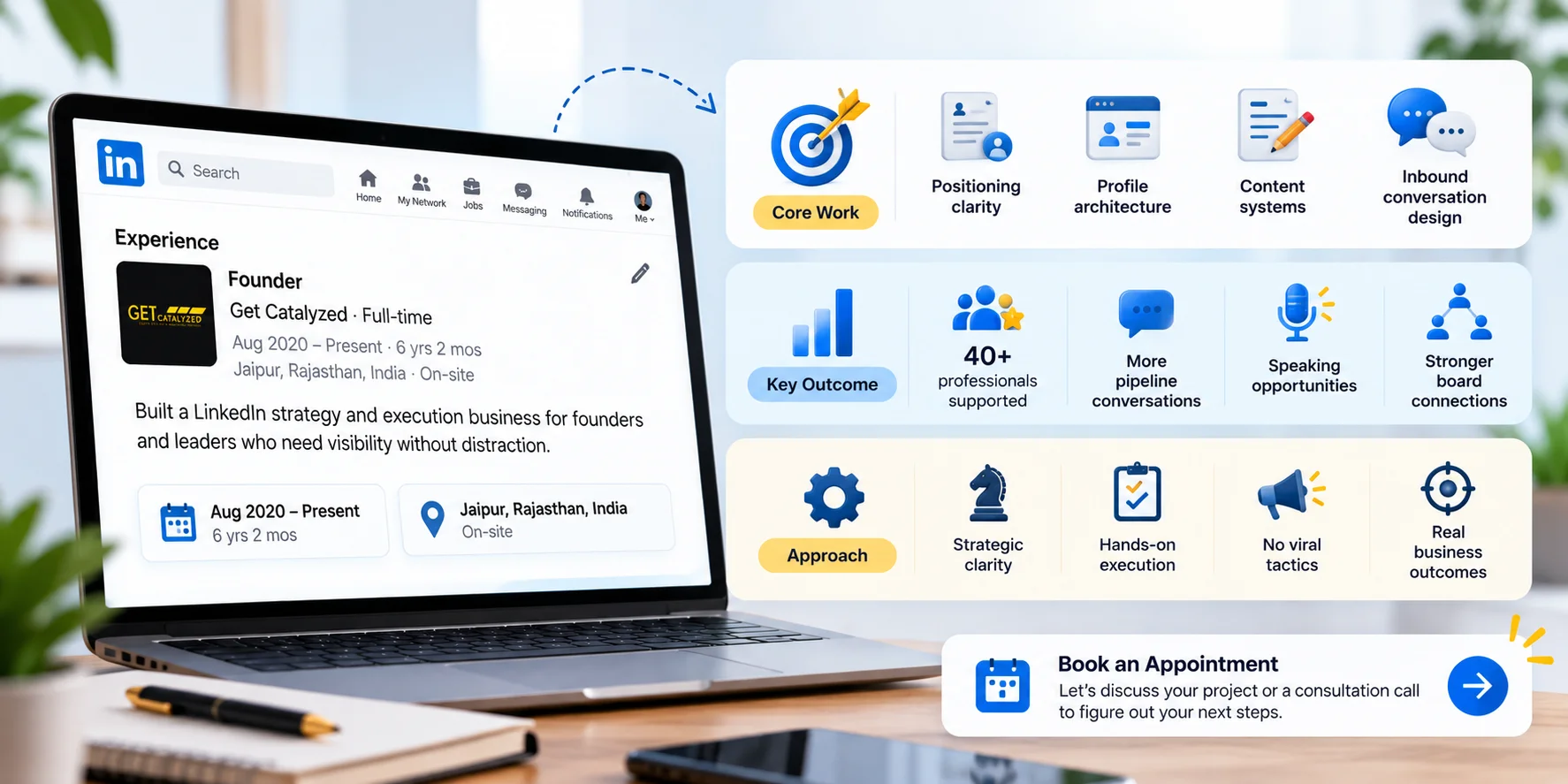
Keywords work best when they fit naturally into a profile that is already clear and well structured. Professional linkedIn profile optimization services can help align your positioning, profile sections, and relevant keywords without making the content feel forced.
Final Thoughts
Your LinkedIn profile isn't just an online resume. It's a living, searchable, always-on version of your professional reputation. It works for you all the time, including on days when you're not thinking about your career at all.The five mistakes we've covered are common because they're easy to overlook: But each one is fixable, and none of them requires special talent or expensive help.Start with the fastest wins, your photo and headline, and you'll see your profile begin to look sharper right away.
Keep in mind that LinkedIn rewards people who show up clearly and consistently, so revisit your profile every few months, and update it after each new role, project, or milestone.Your next opportunity might already be searching for someone like you. Make sure your profile is ready when it finds you.
Which of these five mistakes have you noticed on your own profile?
Share your thoughts in the comments, and let me know which fix you'll tackle first.