
Quick Answer:
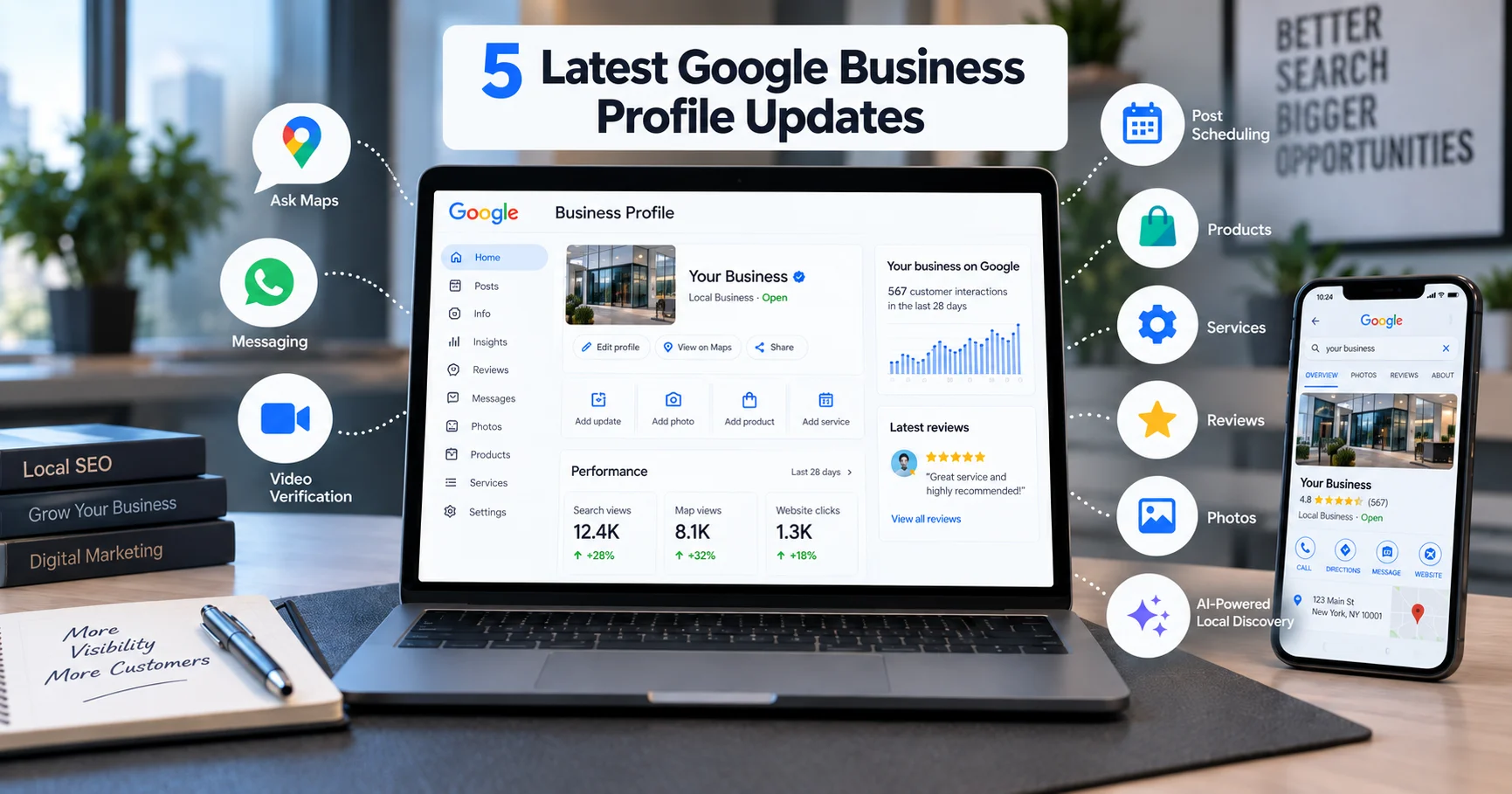
The most important Google Business Profile updates in 2026 are the My Business Q&A API shutdown, Ask Maps and Gemini-powered question experiences in Google Maps, the move from old native chat to eligible WhatsApp or text messaging options, stricter evidence-based verification, native post scheduling where available, and the growing importance of complete product, service, review, attribute, photo, and website data. Businesses that keep their profile accurate, active, and consistent are better prepared for visibility in Google Search, Google Maps, and AI-powered local discovery.
Google Business Profile, still widely called Google My Business by many business owners, has changed significantly. Some changes are feature removals, such as the end of the old Q&A API and the earlier shutdown of Business Profile chat. Others are new AI-led experiences that change how customers search, compare, and ask questions about local businesses.
If you manage a local business, these updates are not only technical changes. They affect how customers find you, how they contact you, what Google understands about your services, and how confidently AI-driven search experiences can summarize your business.
Why These Updates Matter More Than Usual in 2026
Local search is no longer only a map with pins and star ratings. Google is adding AI-powered summaries, conversational answers, and Gemini-based tools across Search, Maps, and Business Profile workflows. These systems depend heavily on clean, complete, and trustworthy business information.
That means a business with updated hours, correct categories, recent reviews, useful photos, detailed services, and a clear website has a stronger foundation than a profile that was set up once and left untouched. You still cannot force rankings or AI citations, but you can make your business easier for Google and customers to understand.
Update | What changed | Why it matters | Action |
|---|---|---|---|
Q&A and Ask Maps | Q&A API access ended, while Ask Maps gives Gemini-powered answers in Maps. | Old Q&A workflows are no longer reliable as the main customer-answer layer. | Move FAQs to your website and keep profile details complete. |
Messaging | Old GBP chat ended in 2024. Eligible profiles can use WhatsApp or text messaging. | Customers still expect fast messaging, but availability can vary by region and profile. | Enable only the channels your team can answer. |
Verification | Verification is more evidence-based, with video recording or live video often used when Google offers it. | Weak or unverified profiles can face visibility and management problems. | Prepare signage, location proof, tools, and documents before verification. |
Posts | GBP supports Updates, Offers, Events, and scheduling where available. | Posts improve freshness, engagement, and conversion, even though posting frequency is not a guaranteed ranking lever. | Create a simple weekly publishing rhythm. |
Rich profile data | Products, services, attributes, reviews, photos, and website content help Google understand the business. | Better data supports Search, Maps, and AI-powered local discovery experiences. | Fill gaps and keep service/product information accurate. |
1. The Q&A API Has Been Discontinued, and Ask Maps Is Changing Local Questions
The main confirmed update is that Google discontinued the My Business Q&A API on November 3, 2025. After that date, businesses and tools can no longer read or post questions and answers using that API.
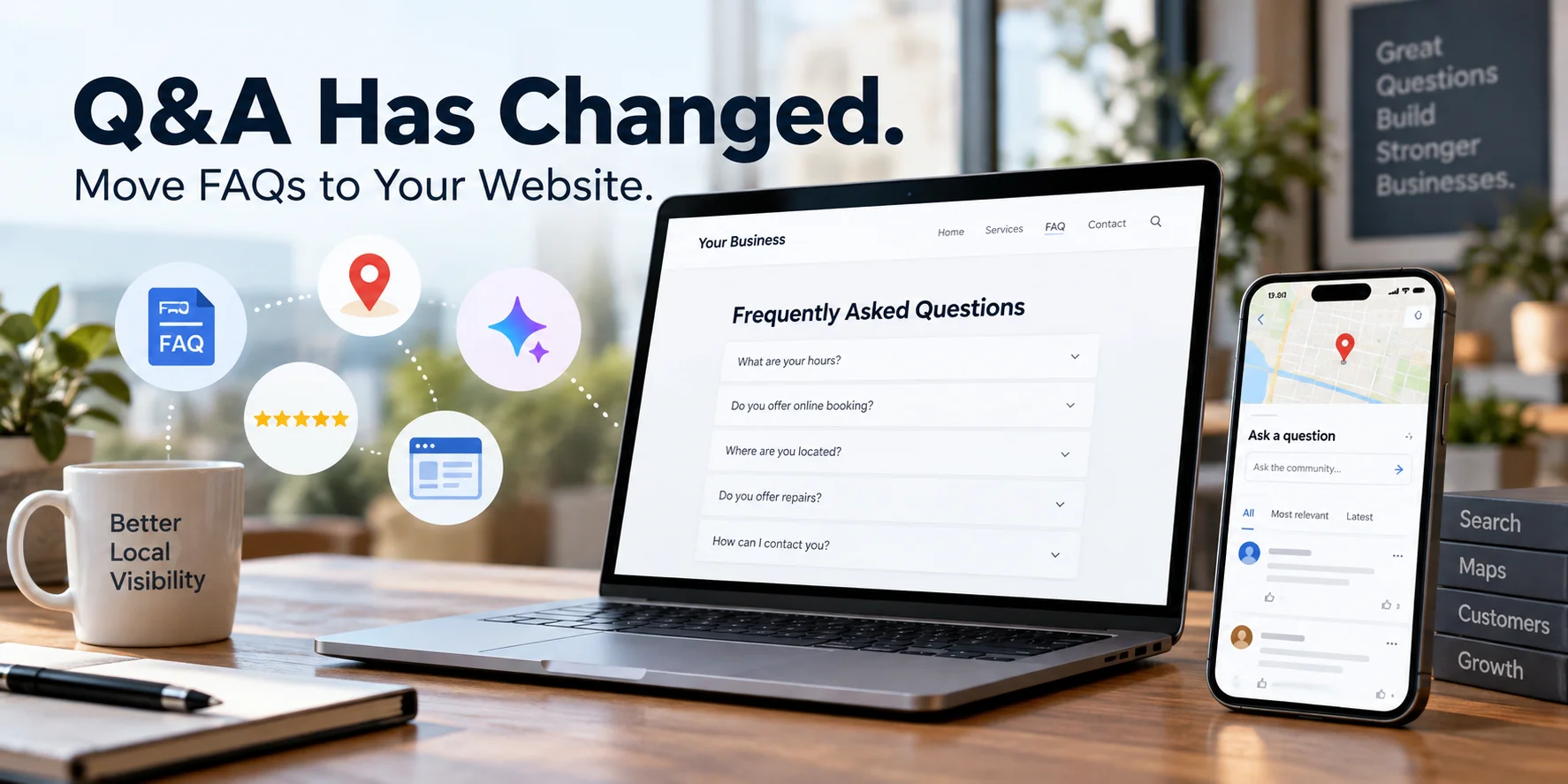
At the same time, Google Maps now includes Gemini-powered question experiences such as Ask Maps. Users can ask questions about places and get answers based on Maps information, reviews, photos, place details, and the web. This does not mean every old Q&A element disappeared in exactly the same way for every listing or region, but it does mean businesses should not rely on old Q&A workflows as their primary customer-answer system.
Old Q&A workflow | 2026 reality | What businesses should do |
|---|---|---|
Businesses and users could publish visible Q&A content on listings. | The My Business Q&A API was discontinued on November 3, 2025. Ask Maps and Gemini-powered question experiences are changing how users ask about places. | Move important questions and answers to your website FAQ and keep profile data complete. |
Old answers could sit on a listing for a long time. | AI answers can draw from Maps information, reviews, photos, place details, and the web depending on the experience and eligibility. | Keep services, attributes, photos, website content, and reviews aligned. |
Business owners had more direct control over public Q&A wording. | Businesses influence AI answers indirectly through the quality and consistency of their data. | Answer common questions clearly on your site and in your profile fields. |
What to do about it 1. Move your most useful customer questions and answers onto your website FAQ page. 2. Add FAQ schema only where the page genuinely contains real FAQ content. 3. Keep your business description, services, attributes, products, photos, and website content accurate. 4. Review your customer reviews for recurring questions and answer those questions clearly on your website. 5. Do not assume AI will infer missing details correctly. Add direct, plain-language answers wherever possible. |
|---|
2. Old Native Chat Is Gone, and Eligible Profiles Can Use WhatsApp or Text Messaging
Google discontinued the old Business Profile chat feature in 2024. In 2026, eligible Business Profiles can add text messaging or WhatsApp as a customer contact option. Availability can vary by country, profile type, and account eligibility, so not every business will see the same options in the dashboard.
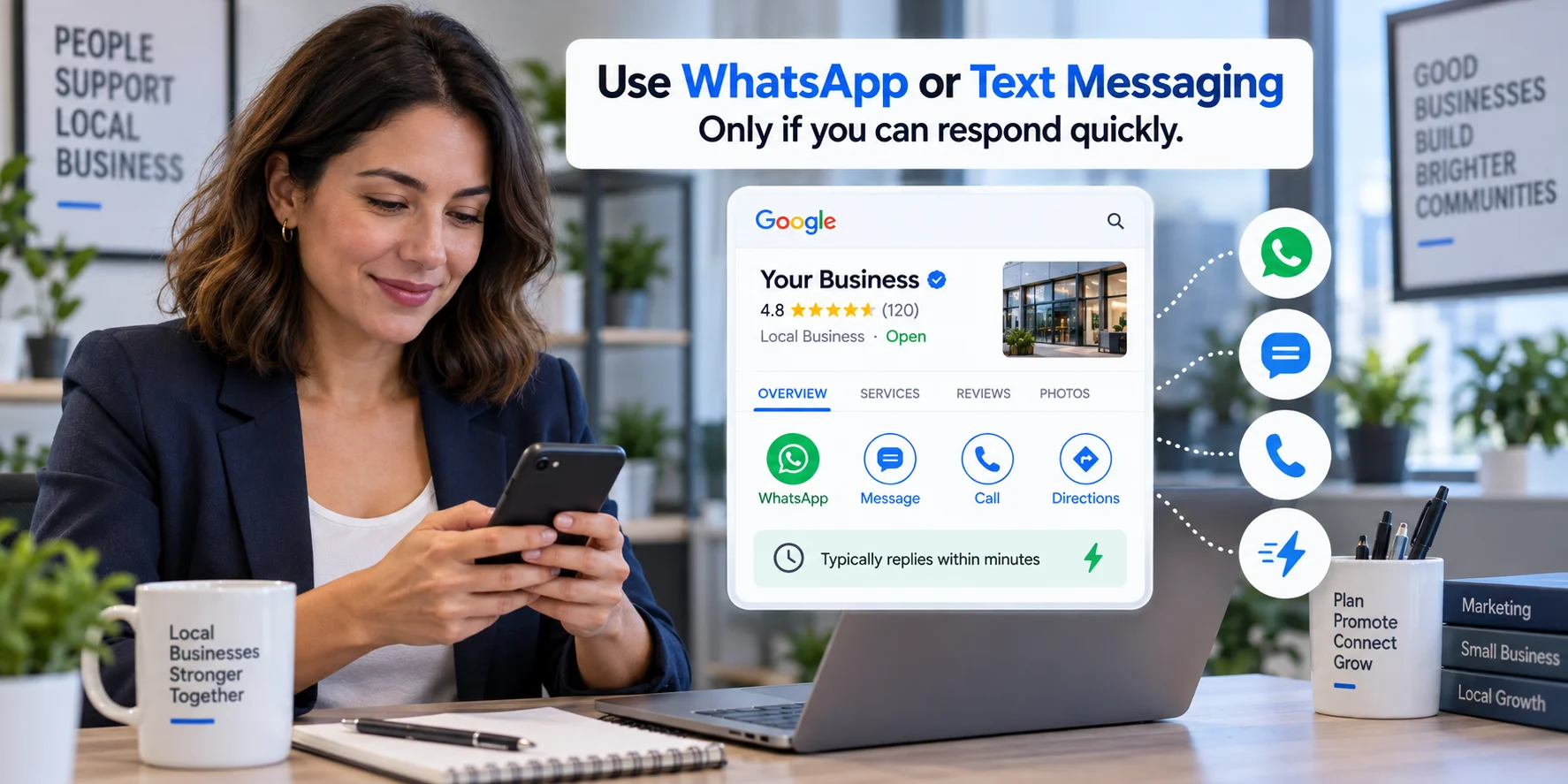
This is an important correction to older advice. Do not look for the old Google-only chat feature to return. Instead, check whether your profile supports WhatsApp or text messaging inside the contact settings.
What to do about it 1. Add a WhatsApp Business number or text messaging option only if your team can respond consistently. 2. Use a number that belongs to the business and is already used for customer communication. 3. Set expectations with an auto-reply or clear response window if you cannot respond instantly. 4. Track whether messages turn into calls, bookings, store visits, or qualified leads. 5. Avoid enabling messaging if inquiries will sit unanswered for days. |
|---|
3. Verification Is More Evidence-Based, and Video Verification Is Common
Google offers different verification methods depending on the business, region, and risk level. These can include phone or text, email, live video call, video recording, or other methods shown inside the Business Profile interface. Video verification has become more common because it helps Google confirm that the business is real and that the person managing it is authorized.
The key point is not that video verification is a ranking factor. It is mainly a trust and authenticity step. However, an unverified or improperly verified profile can face visibility, management, or eligibility issues, so completing verification correctly is essential.
If your listing is still difficult to find after verification, these reasons your business may not be showing on google maps can help you identify other common issues.
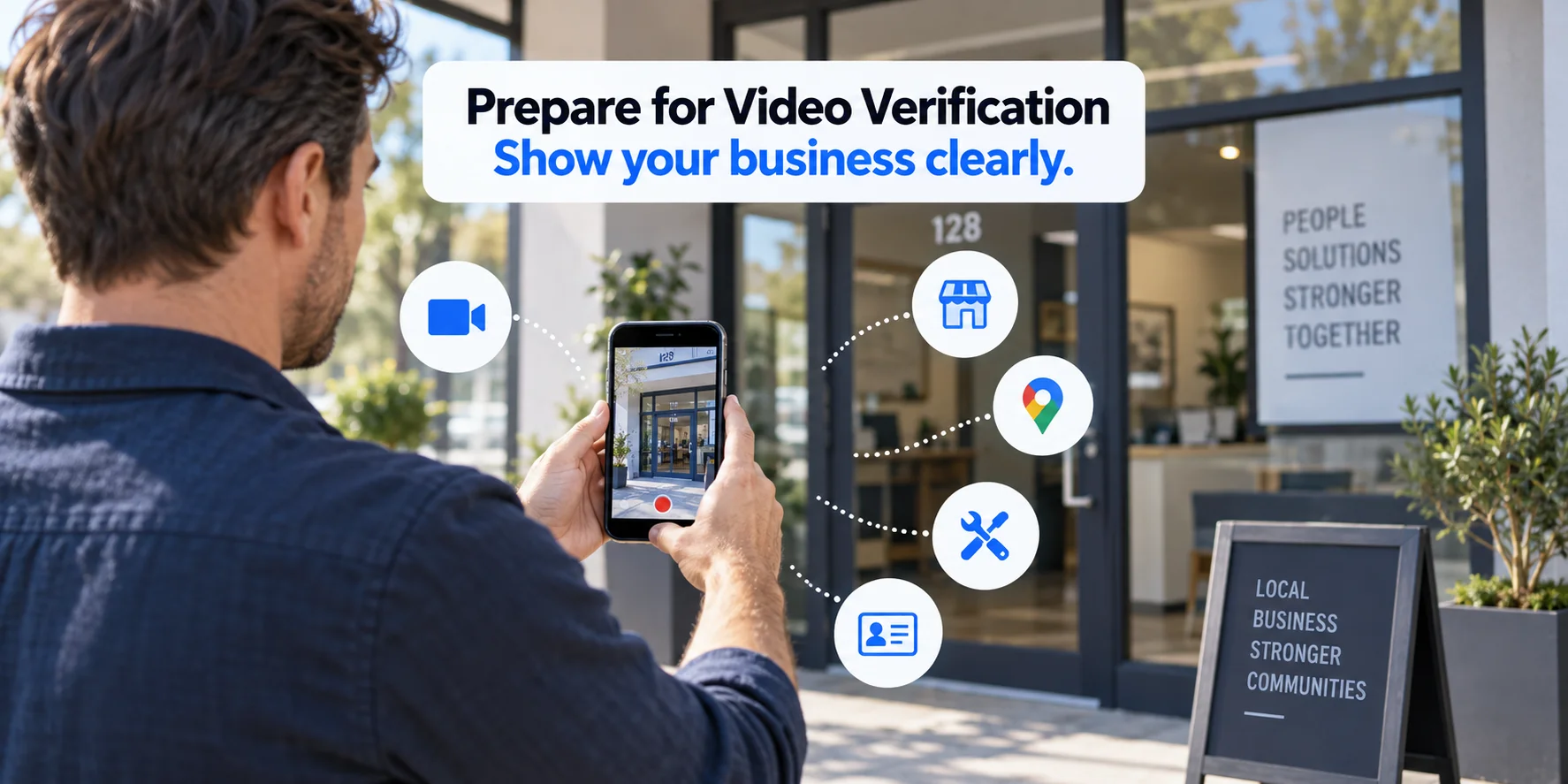
What to do about it 1. Check the verification options shown in your own Business Profile dashboard. 2. If Google offers video verification, prepare before recording. Show signage, business location, tools, equipment, and proof that you manage the business. 3. Record one clear, continuous video when required. Avoid edited clips or unclear proof. 4. Keep your business name, address, phone number, website, and signage consistent before verification. 5. Do not create duplicate listings to bypass verification problems. |
|---|
4. Post Scheduling and Gemini-Assisted Profile Management Make Activity Easier
Google Business Profile posts are still useful for sharing Updates, Offers, and Events with customers on Search and Maps. Google documentation now references the ability to schedule posts where the scheduling option is available, and Gemini-connected Business Profile workflows can also help create, schedule, publish, or delete profile posts. If you want a step-by-step process, see our guide on how to schedule google business profile posts.
This does not mean posting frequency is a guaranteed direct ranking factor. A better way to look at it is this: active posts can improve customer engagement, make your profile feel current, and support conversions from the profile. A stale profile may still rank, but it gives customers fewer reasons to act.
What to do about it 1. Build a weekly posting rhythm using Updates, Offers, and Events. 2. Use scheduling when the option appears in your profile or connected workflow. 3. Keep posts short, useful, and tied to real business activity. 4. Update offers instead of leaving the same promotion live for months. 5. Do not post only for the algorithm. Post to help customers decide what to do next. |
|---|
5. Products, Services, Attributes, Reviews, Photos, and Website Data Matter More for AI-Led Discovery
Older local SEO advice often treated products and services as optional profile sections. In 2026, that is a weak approach. Google uses Business Profile information, Maps details, reviews, photos, and web content across many search and discovery experiences. AI-powered summaries and Ask Maps-style answers work best when the underlying information is clear and consistent.
A safer and more accurate strategy is to treat the entire profile as structured business data. For a retail business, that means adding real products with helpful descriptions and photos. For a service business, it means filling out services, service descriptions, categories, attributes, photos, and website pages that explain what customers can actually buy or book.
For restaurants, these fields become especially important because menus, photos, hours, and service details directly influence customer decisions. Our guide to google business profile optimization for restaurants covers this in more detail.
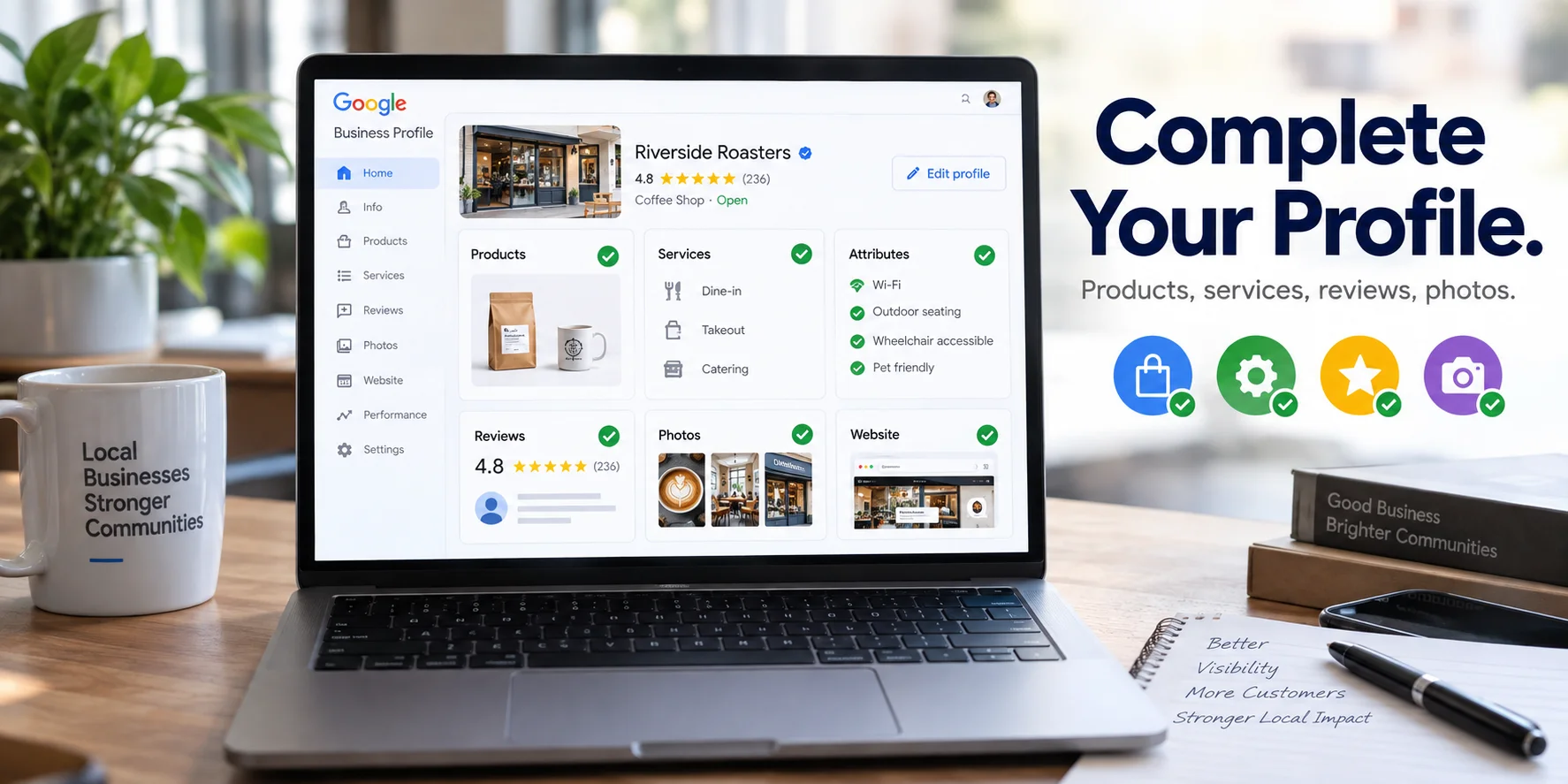
What to do about it 1. Add real products where the Products section is relevant to your business. 2. For service businesses, complete the Services section with clear names and plain-language descriptions. 3. Keep prices, availability, hours, and service areas current. 4. Upload recent photos that support what customers ask about, such as storefront, seating, team, work examples, or facilities. 5. Make sure your website answers the same questions your profile is trying to answer. |
|---|
Other Notable Changes Worth Watching
These updates may not affect every business at the same time, but they are worth monitoring through 2026.
• Gemini-connected Business Profile management: Google now lets eligible users connect Business Profile with Gemini to ask questions about the profile and perform actions such as updating business hours or managing posts.
• AI-assisted review response workflows: Google has introduced Gemini-powered support that can help draft responses to reviews, but business owners should still review and edit replies before publishing.
• More AI-driven quality checks: Google continues using AI to detect suspicious edits, fake reviews, and misleading Business Profile activity.
• Post freshness rules still matter: Google says posts older than 6 months are archived unless a date range is set, so recurring updates should be planned properly.
• Attributes and service details are becoming more important for customer decisions: Even when they are not described as direct ranking factors, they help customers and Google understand what your business offers.
Businesses managing several locations or frequent updates may also benefit from comparing the best google business profile management tools available in 2026.
Mistakes to Avoid When Reacting to These Updates
1. Waiting for Old Q&A Workflows to Come Back
The Q&A API is discontinued. Move useful customer questions to your own website FAQ instead of relying on old listing content or third-party Q&A workflows.
2. Treating WhatsApp or Text Messaging as a Set-and-Forget Feature
Messaging only helps when someone answers. If customers message you and receive no response, the feature can hurt trust instead of improving conversion.
3. Calling Every New Feature a Ranking Factor
Not every feature directly changes rankings. Some features help engagement, trust, completeness, and conversion. That still matters, but it should be explained honestly.
4. Leaving Products and Services Empty
Incomplete product or service information creates gaps in how customers and search systems understand your business. Fill these sections carefully and keep them current.
5. Ignoring Verification Status
An unverified or restricted profile can create major visibility and management issues. Check your profile status before spending time on advanced optimization.
Conclusion: A Profile You Maintain Beats a Profile You Set and Forget
The message behind these updates is simple. Google Business Profile is no longer a static listing you create once and ignore. It is a living source of local business information that customers, Google Search, Google Maps, and AI-powered experiences can all use to understand your business.
The strongest approach for 2026 is not complicated. Keep your profile verified, complete, accurate, active, and consistent with your website and other trusted listings. Move important FAQs to your own website, use WhatsApp or text messaging only if you can manage replies, prepare properly for verification, schedule posts where available, and keep products, services, attributes, photos, reviews, and website content updated.
If keeping up with this feels like a full-time job on top of running your business, it can be. Get Catalyzed's Google Business Profile experts manage this so your listing stays optimized, active, and visible in both Maps and AI-powered local discovery. You can also check our guide on scheduling Google Business Profile posts, or start with a free SEO audit to see where your local presence stands today.