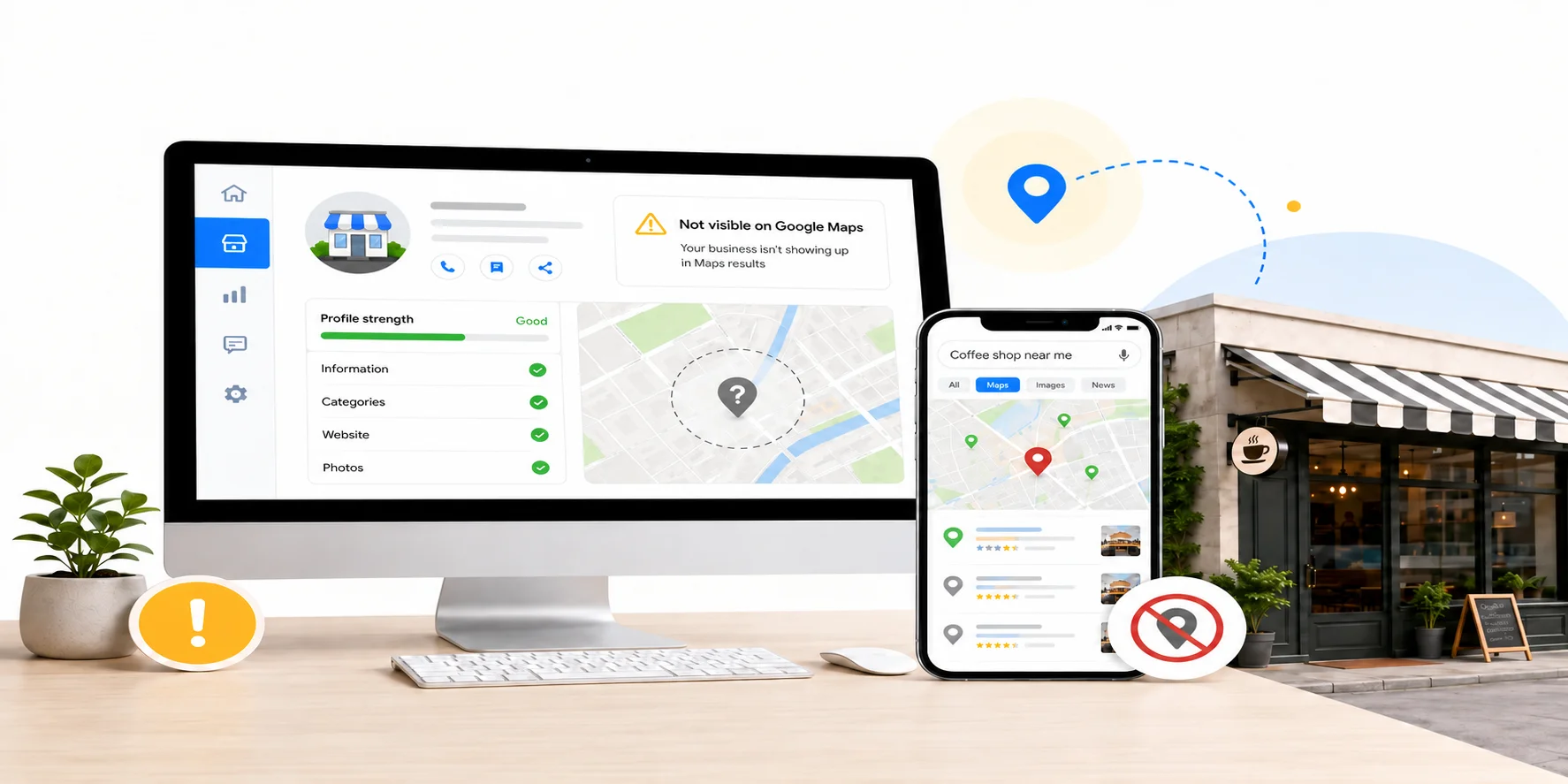

If you search for your own business and it does not show up on Google Maps, something specific is usually blocking it. It is almost never just bad luck. Google Maps only shows and ranks businesses after checking trust, accuracy, eligibility, and relevance signals. When one of those signals fails, your listing can drop out of view while competitors receive the calls and visits that should have gone to you.
The most common causes are an unverified or restricted profile, a suspended listing, the wrong business category, inconsistent business information across the web, too few recent reviews, an incorrect map pin or service area, duplicate listings, an incomplete profile, technical issues on your website, and address or naming violations that break Google’s Business Profile guidelines. Below, we walk through all 10 in the order they are worth checking, with practical steps to fix each one.
Key Takeaways
• Google Maps rankings are mainly based on relevance, distance, and prominence. Every fix on this list strengthens one of those areas or removes an eligibility problem.
• Verification and suspension issues can cause serious visibility loss. Category, NAP, review, website, and completeness issues usually affect how well you rank once your profile is visible.
• Some profile edits may appear quickly, but Google can review edits for accuracy and guideline compliance. In some cases, the review process may take longer.
• The same accurate, consistent business information that supports Google Maps visibility can also help search and AI systems understand your business more clearly.
How Google Actually Decides Who Shows Up
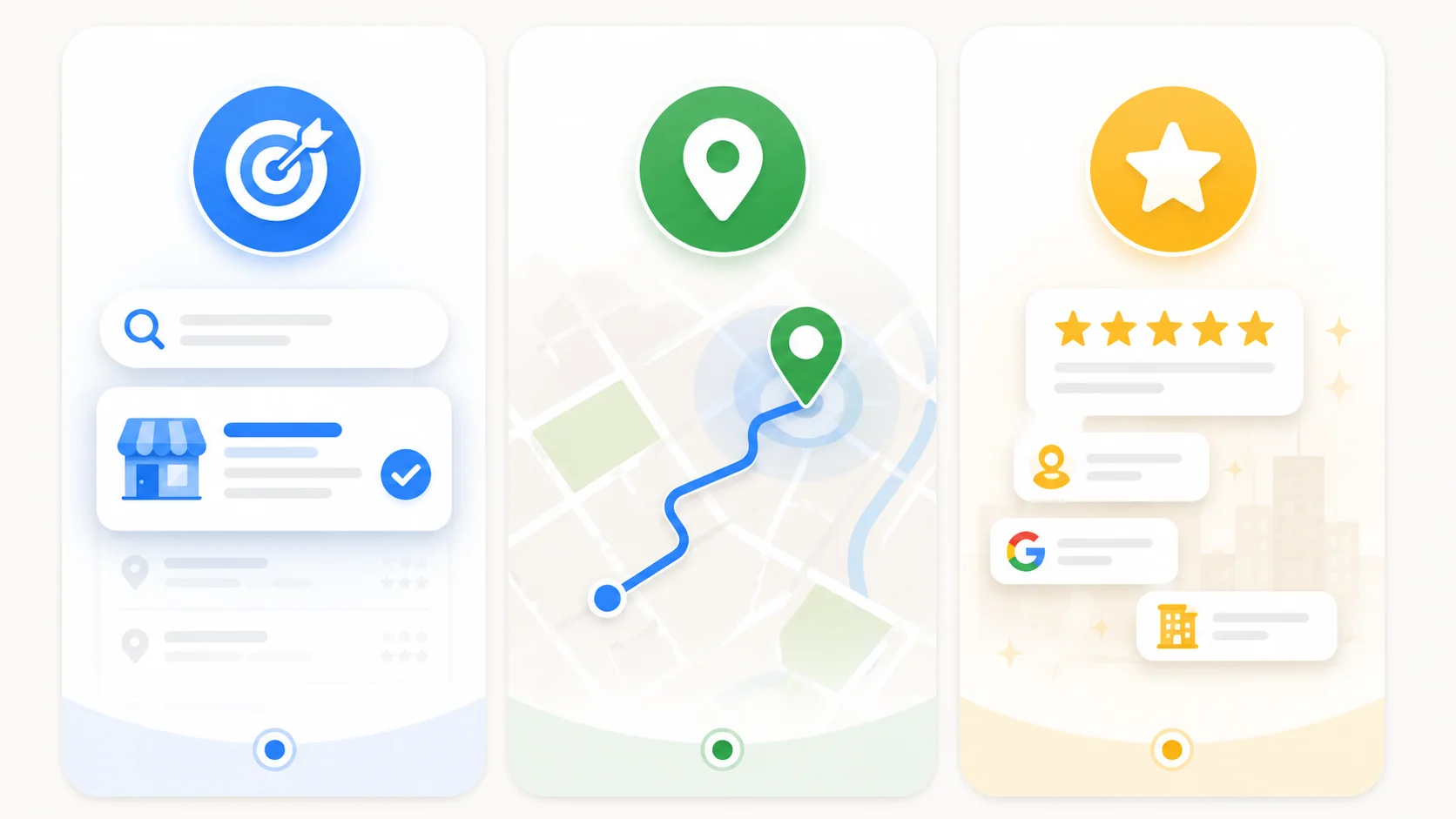
Before fixing anything, it helps to know what Google is checking. According to Google’s official local ranking guidelines, local results are primarily influenced by relevance, distance, and prominence. You can review Google’s own explanation in its Business Profile local ranking guidance.
• Relevance is how well your Business Profile matches what someone searched for. Your category, business description, services, products, attributes, and website content all support this.
• Distance is how far your business is from the person searching, or from the location named in the search. You cannot change where your business is located, but you can set your address and service area accurately.
• Prominence is how well known and trusted your business appears to be. Reviews, links, articles, directories, photos, and general online reputation all contribute to this signal.
Every one of the 10 reasons below is either a breakdown in one of these three areas, or a trust and eligibility problem that stops Google from evaluating those areas properly. Once you see it this way, fixing your Google Maps visibility becomes a checklist instead of guesswork.
10 Reasons at a Glance
# | Reason | Quick Fix |
|---|---|---|
1 | Profile not verified | Complete the verification method Google offers, such as phone, SMS, email, video, live video, or postcard when available. |
2 | Listing suspended or restricted | Identify the violation, fix it, gather proof, then submit one clear appeal through Google’s appeal process. |
3 | Wrong or too few categories | Set the most specific accurate primary category and add relevant secondary categories. |
4 | Inconsistent NAP | Match your business name, address, and phone number across your profile, website, and important directories. |
5 | Too few or outdated reviews | Build a simple system to request reviews after genuine customer experiences. |
6 | Distance or service area issues | Set an accurate address or service area based on how customers actually reach you. |
7 | Duplicate listings | Claim, report, merge, or remove duplicates instead of creating another listing. |
8 | Incomplete profile | Fill every useful field, including hours, services, photos, description, and attributes. |
9 | Technical website issues | Improve mobile usability, speed, local pages, NAP clarity, and LocalBusiness schema. |
10 | Naming or address violations | Remove keyword stuffing and use a compliant real-world business name and eligible location setup. |
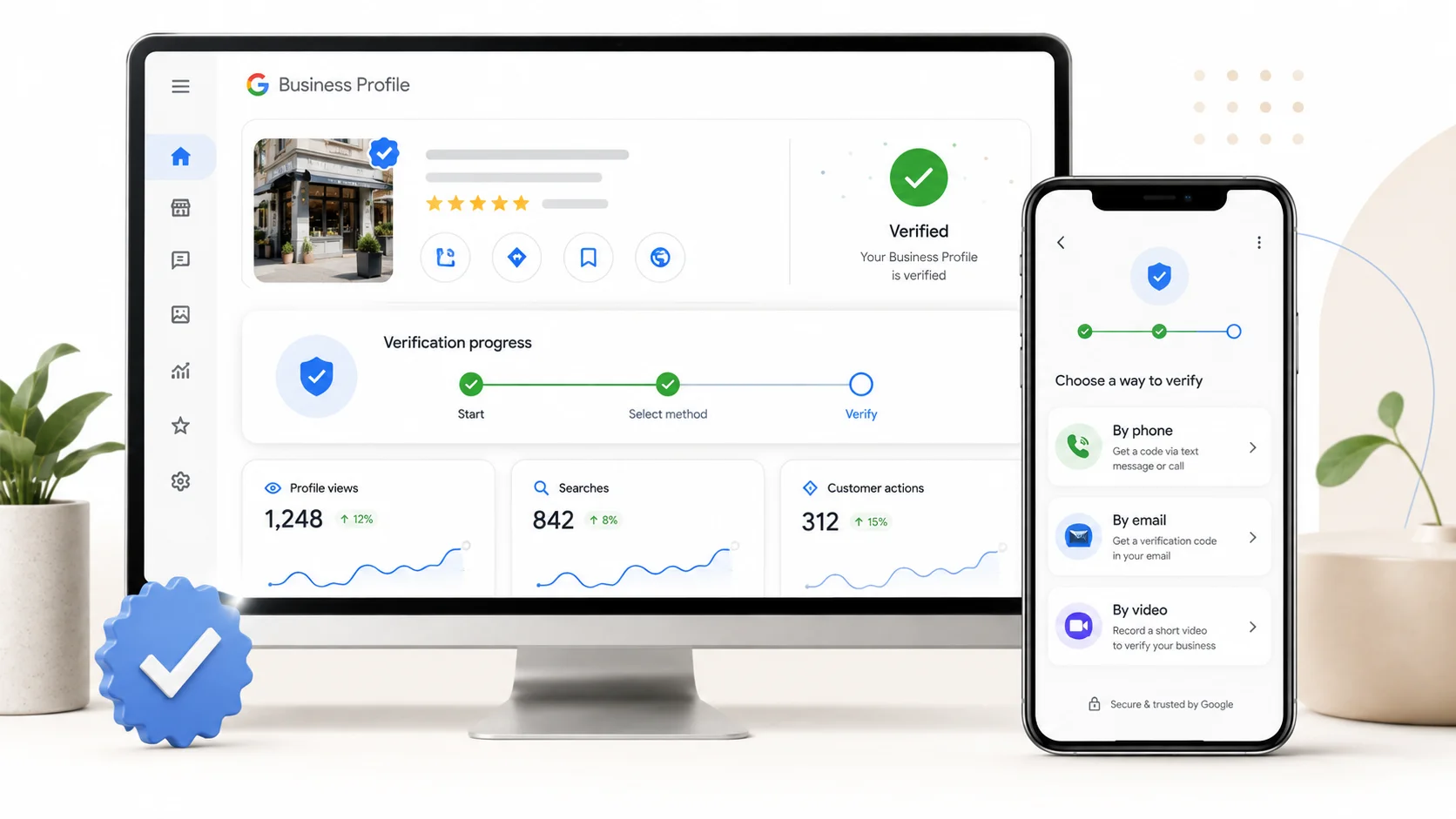
1. Your Google Business Profile Is Not Verified
This is one of the most common reasons a business struggles to appear properly on Google Maps. A profile that is newly created, unverified, or waiting for verification may not show all information publicly, may not be fully eligible for owner-managed updates, or may not perform the way a verified profile can. Many business owners create a profile, get interrupted, and never complete the final verification step.
How to fix it 1. Go to your Google Business Profile dashboard and check for a verification prompt. 2. Use the verification method Google offers for your business. Google may offer options such as phone, SMS, email, video recording, live video, or postcard depending on the business and region. 3. If Google asks for a video or postcard, follow the instructions exactly and avoid editing core details while verification is pending. 4. After verification, monitor the profile for visibility and edit status. Some updates can appear quickly, while others may go through review. |
|---|
If you cannot find a verification option at all, someone else may already manage the profile. Search for your business name directly and look for a claim or access request option, then follow Google’s ownership process.
2. Your Listing Has Been Suspended or Restricted
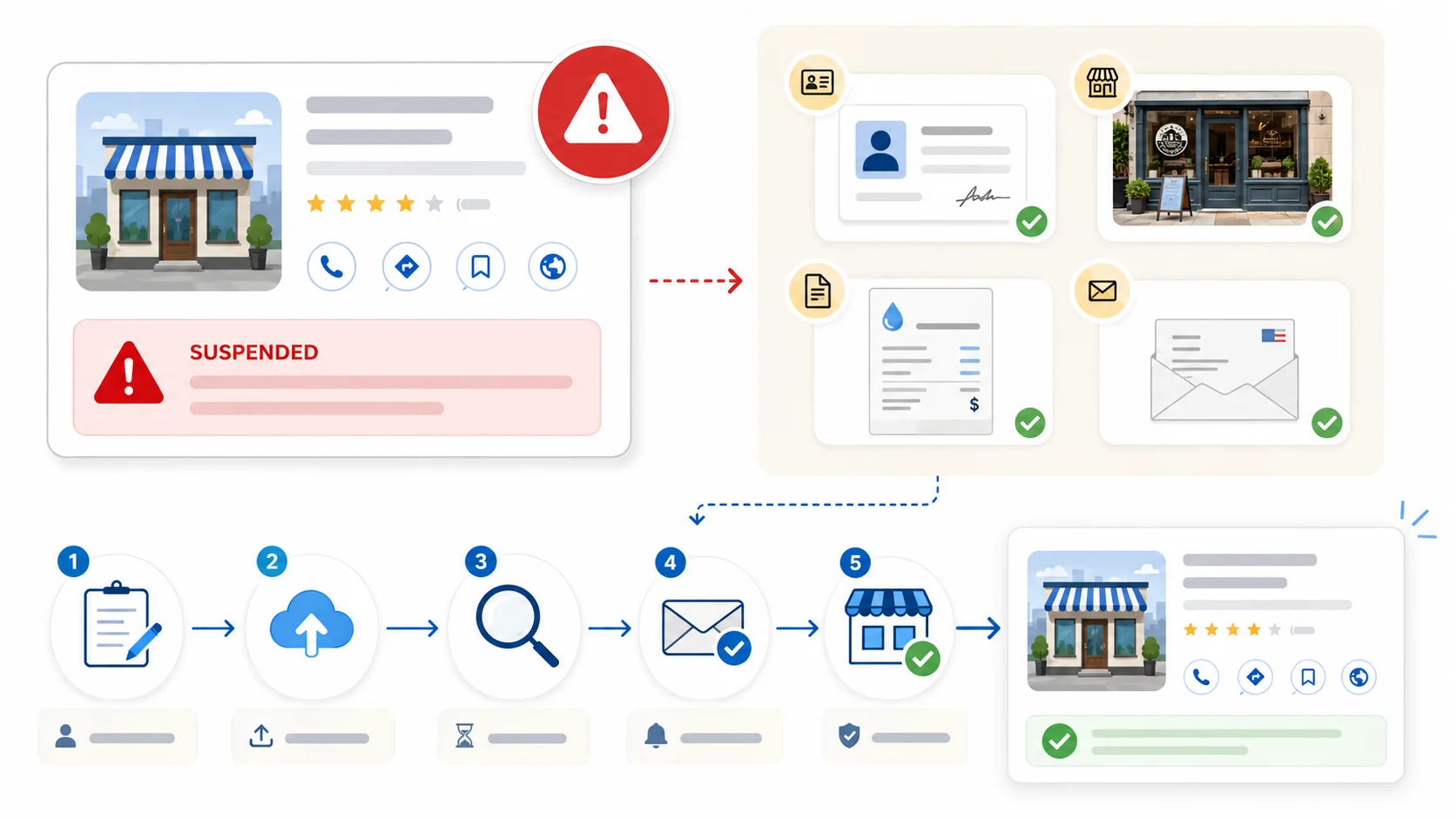
If your business used to appear on Google Maps and then vanished, a suspension or restriction is one of the first things to check. Google uses both automated systems and human review to moderate Business Profiles that may violate guidelines.
In practical terms, some profiles remain visible while management access is restricted. Others may be removed from Search and Maps entirely until the issue is resolved. The important step is to check the dashboard, read the notice, and fix the underlying issue before submitting an appeal
How to fix it 1. Log into your Google Business Profile dashboard and read the suspension or restriction notice carefully. 2. Fix the likely violation first. Common triggers include keyword stuffing in the name, an ineligible address, fake or misleading details, incorrect categories, or guideline-breaking content. 3. Gather proof that your business is real and eligible. Useful documents can include business registration, utility bills, storefront signage photos, licenses, or tax documents. 4. Submit an appeal through Google’s official Business Profile appeals process. Keep the explanation factual and attach clear documentation. 5. Avoid creating a new duplicate profile while the appeal is pending. That can make the problem harder to resolve. |
|---|
A clean, well-documented appeal is stronger than multiple rushed appeals. Make the profile compliant first, then appeal once with evidence.
3. You Picked the Wrong or Too Few Business Categories
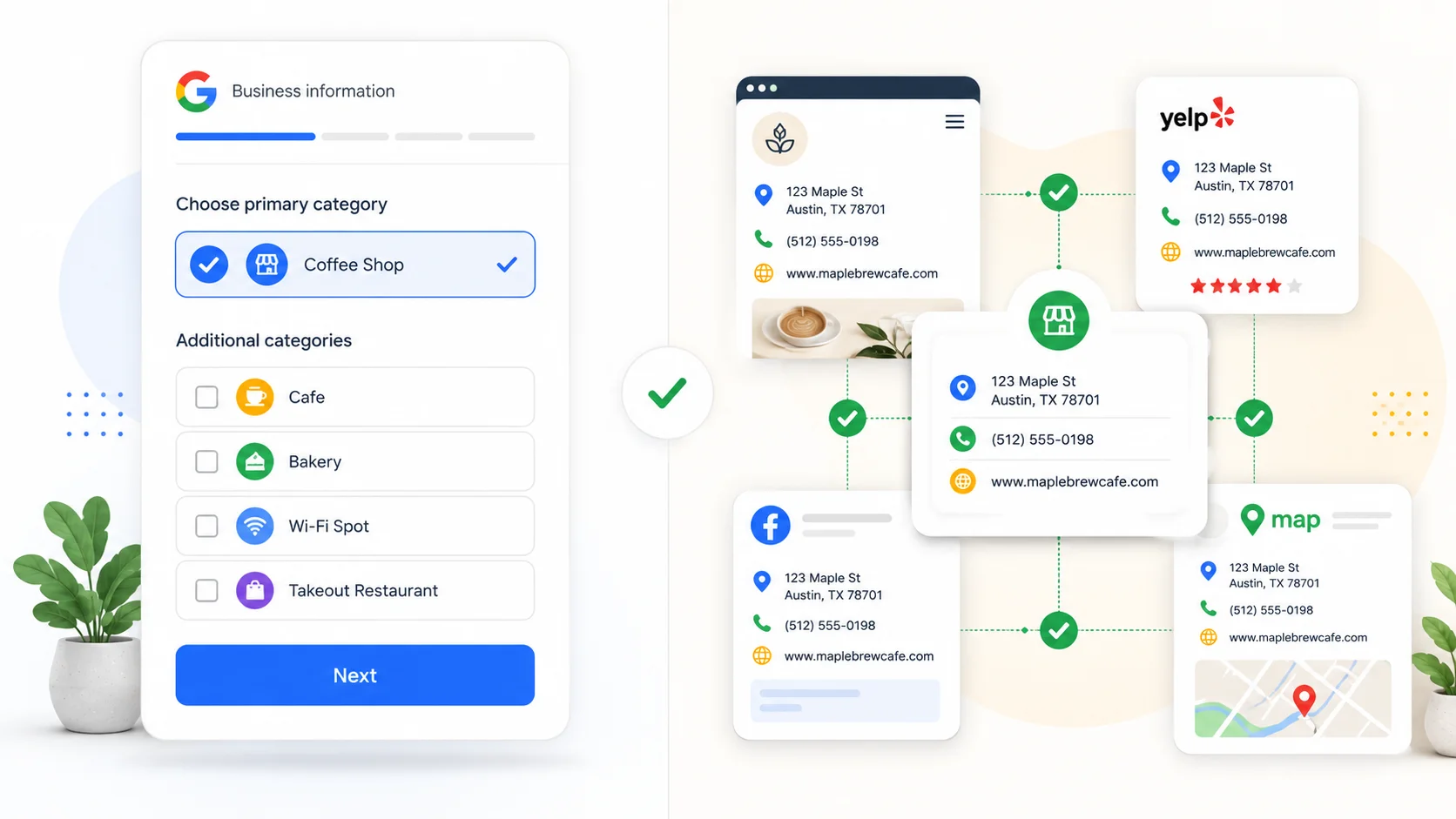
our primary category is a key relevance signal for Google. If you run a personal injury law firm but your primary category is only set to the generic “Lawyer,” Google has less information to match your profile with specific searches such as “personal injury attorney near me.”
How to fix it 1. Search your top target keywords and review the categories used by visible competitors. 2. Set your primary category to the most specific option that accurately describes your main service. 3. Add secondary categories for other real services you offer, but do not stretch into services you do not provide. 4. Review your category choices every few months because Google can add or update category options over time. |
|---|
4. Your Business Information Is Not Consistent Across the Web
NAP stands for name, address, and phone number. When these details differ between your Google Business Profile, website, and important directory listings, Google has a harder time trusting that the information is accurate. That uncertainty can weaken relevance and prominence signals.
How to fix it 1. Write down your correct business name, address, and phone number exactly as they should appear. 2. Check your Google Business Profile, website footer, contact page, and important directory profiles against that version. 3. Correct meaningful mismatches, such as old addresses, old phone numbers, wrong business names, wrong suite numbers, or inconsistent location details. 4. Use a citation tracking tool or spreadsheet to monitor future changes, especially after moving locations, changing numbers, or rebranding. |
|---|
5. You Do Not Have Enough Reviews or Recent Ones
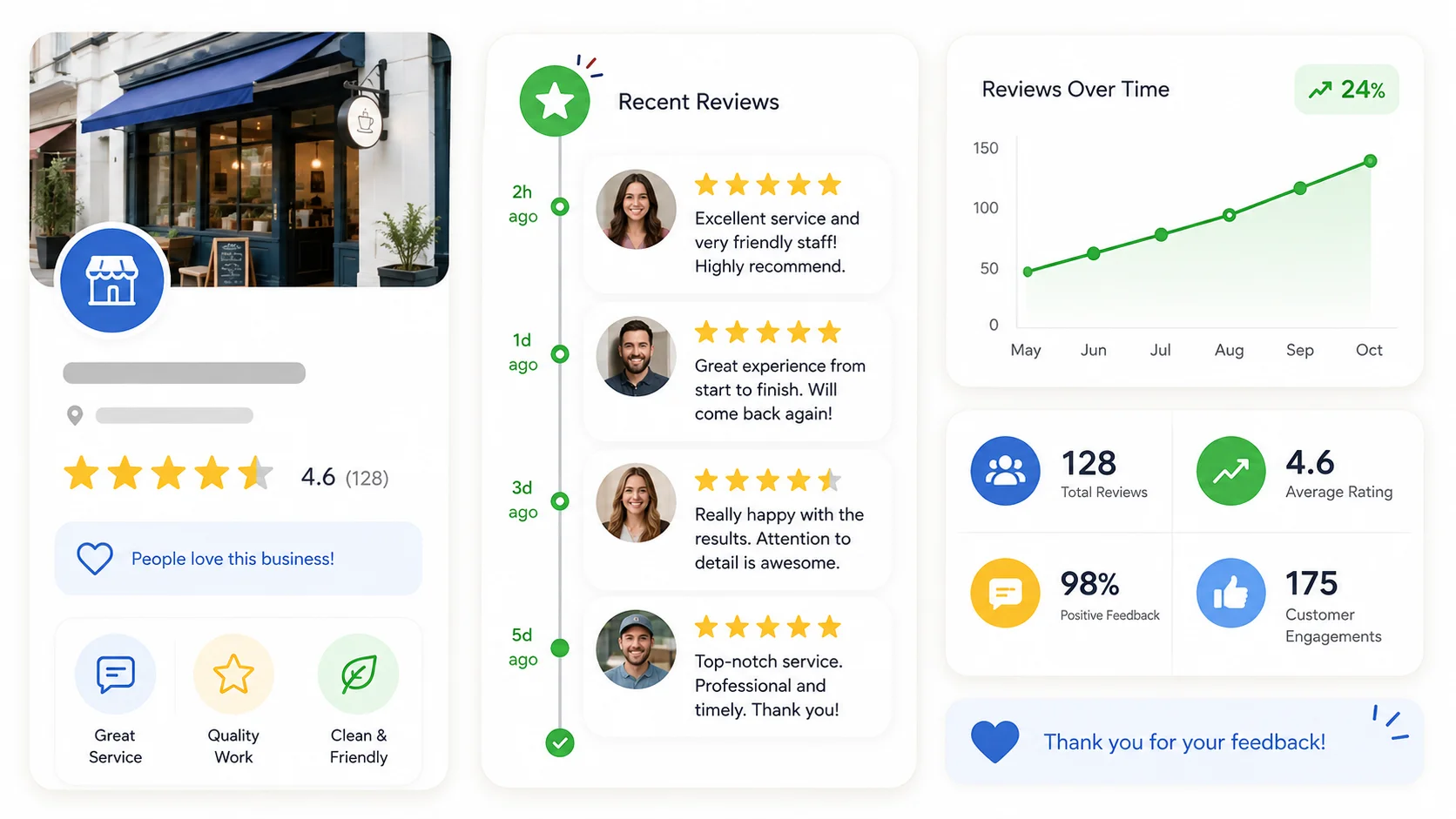
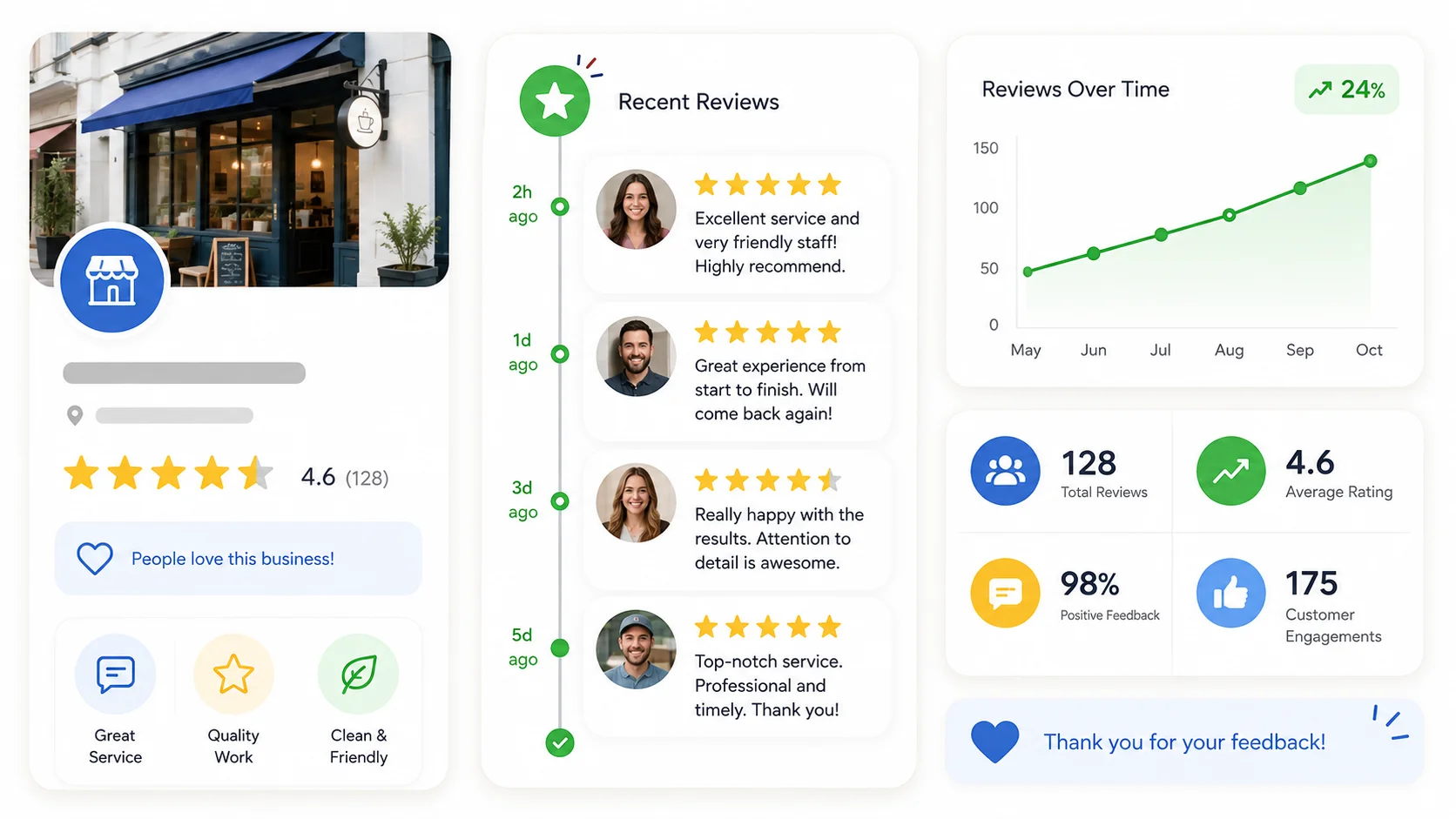
Reviews are one of the clearest prominence signals available to Google. Google’s local ranking guidance says more reviews and positive ratings can help local ranking. A profile with very few reviews, weak ratings, or no recent customer feedback gives Google and searchers less confidence that the business is active and trusted.
How to fix it 1. Build a simple habit of asking satisfied customers for a review soon after the job, purchase, or appointment. 2. Send your direct Google review link by text, WhatsApp, or email instead of asking people to search manually. 3. Respond to reviews in a helpful, professional tone. This shows both customers and Google that the profile is actively managed. 4. Never buy, gate, or incentivize reviews. That can violate Google policy and create suspension risk |
|---|
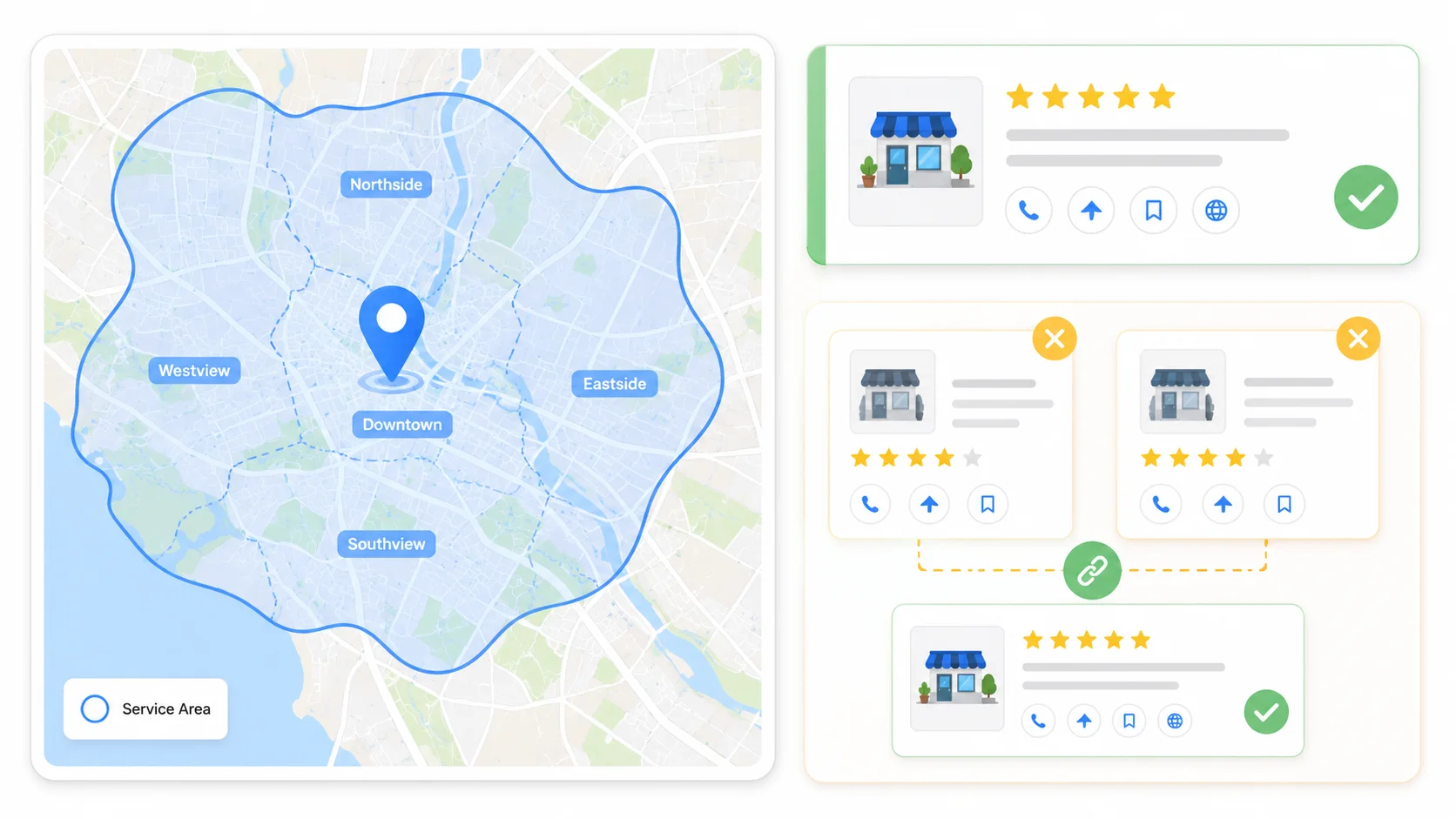
6. Distance and Service Area Problems
Sometimes your business is not missing. It is simply ranking too low because of the searcher’s location or because your address and service area settings are not set correctly. This is especially common for service-area businesses such as plumbers, cleaners, repair services, consultants, mobile services, and home-service providers.
How to fix it 1. If customers visit your physical storefront or office during business hours, keep the exact address visible on your profile. 2. If you travel to customers and do not serve customers at your business address, set the profile as a service-area business and hide the public address. 3. Use specific cities, areas, postal codes, or regions you genuinely serve. Do not list places you cannot realistically serve. 4. Expect ranking to change by searcher location. You are not expected to rank first everywhere across a large service area. |
|---|
7. You Have Duplicate Listings Competing Against Each Other
Duplicate listings happen more often than most business owners realize, especially after a move, rebrand, management change, or automatic data feed from a directory. Duplicates can split reviews, confuse Google about which listing is authoritative, and weaken both profiles.
How to fix it 1. Search your business name plus your city and check whether more than one listing appears. 2. Claim any duplicate listing you do not already manage. 3. Use Google’s duplicate reporting or support process to request a merge or removal when appropriate. 4. Avoid creating a new profile if an older listing already exists. Claim and fix the existing one instead. |
|---|
8. Your Profile Is Incomplete or Outdated
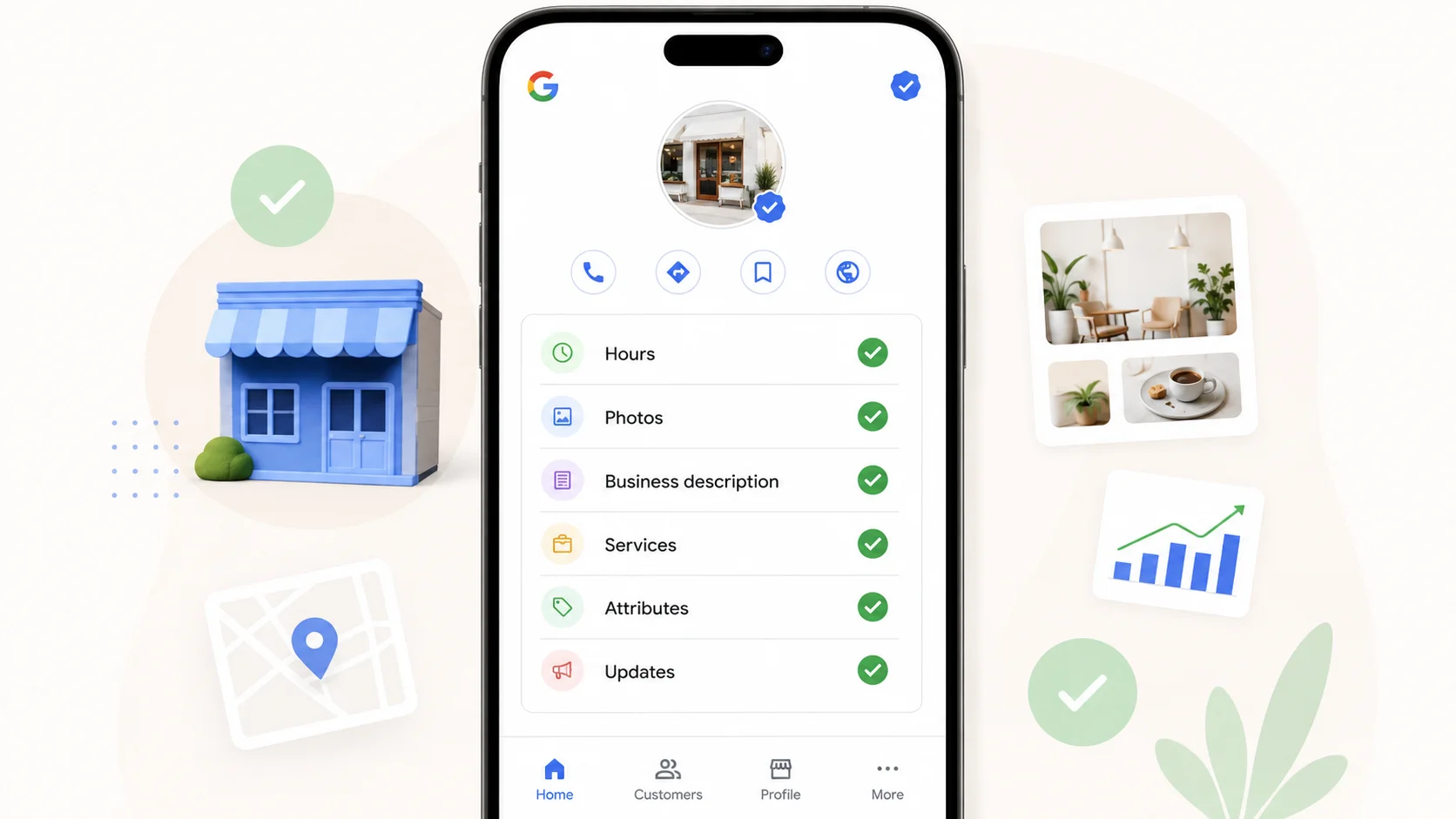
An incomplete profile is a weaker profile, even if nothing is technically wrong. Missing hours, missing services, no photos, no attributes, no products, no business description, and no recent updates all reduce the amount of useful information Google can match to searcher intent.
How to fix it 1. Fill in every useful field available in your dashboard, including regular hours, holiday hours, services, attributes, business description, and website link. 2. Upload real, recent photos of your storefront, team, products, vehicles, work, or location where relevant. 3. Add accurate service descriptions and pricing where appropriate. 4. Use Google Business Profile updates when you have useful offers, events, service changes, new photos, or announcements. |
|---|
9. Your Website Has Technical SEO Problems
Google Maps ranking is not decided by your Business Profile in isolation. Google also uses information from your website and from across the web to understand your relevance and prominence. A slow site, weak mobile experience, thin location pages, missing contact details, or missing structured data can make it harder for Google to confirm what your business does and where it operates.
How to fix it 1. Test your site speed and mobile usability, then fix issues such as oversized images, slow scripts, and poor mobile layout. 2. Add LocalBusiness schema markup with your business name, address, phone number, hours, and service area where relevant. 3. Create dedicated pages for your core services and locations instead of relying on one thin homepage for everything. 4. Make sure your NAP details are visible in plain text on your website, not only inside an image or a contact form. |
|---|
10. Address, Name, or Guideline Violations
Some businesses stay invisible because of a setup choice that directly violates Google’s guidelines. Two common examples are using an ineligible address and adding extra keywords to the business name.
How to fix it 1. If you use a virtual office, mailing service, or coworking space that is not physically staffed by your business during stated hours, review whether it is eligible under Google’s guidelines. 2. Remove extra words from the business name field, such as added city names, services, slogans, or keywords that are not part of the real-world business name. 3. Make sure your business name matches real-world signage, branding, legal documents, and website usage. 4. Do not create a workaround profile to escape a violation. Fix the existing profile and appeal properly if needed. |
|---|
Bonus: Getting Cited in AI Search, Not Just Google Maps
Google Maps visibility used to be the main goal for local search. Now, Google AI Overviews, Gemini, ChatGPT, Perplexity, and other answer engines can also influence local discovery. They may summarize businesses, compare options, or answer “near me” style questions using information they can verify from multiple sources.
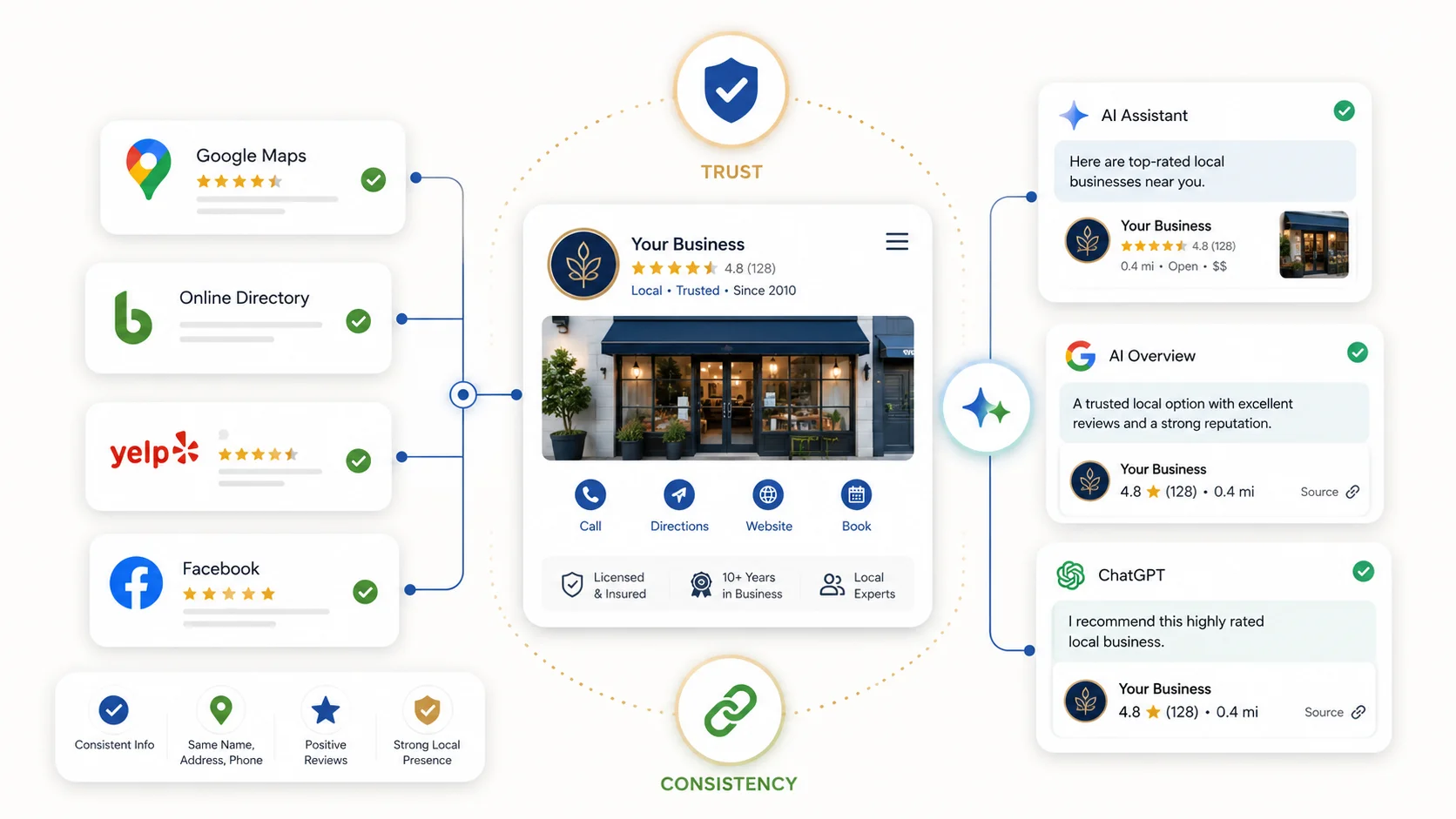
There is no guaranteed way to force an AI citation. The practical goal is to make your business information accurate, complete, consistent, and easy to extract.
• Consistency matters more than ever. AI systems often compare information from more than one source. If your hours, address, or services conflict across your website, Business Profile, and directories, you create uncertainty.
• Structured data helps machine understanding. LocalBusiness, FAQ, and Review schema can make your website easier to interpret, though schema alone does not guarantee ranking or citations.
• Plain answers are easier to quote. Write service pages and FAQs in direct language that answers common customer questions early.
• Bing and other ecosystems matter too. Some AI assistants and search experiences may use data outside Google, so do not ignore important business listings outside Google Maps.
• Third-party mentions still support trust. Local news, industry directories, community sites, and niche citations can all reinforce prominence.
• FAQs are useful for both your audience and AI-powered search systems. Clear question-and-answer content gives search systems more direct material to understand and summarize.
10-Point Google Maps Visibility Checklist
• Profile is verified and not pending verification.
• No suspension, restriction, or appeal warning appears in the dashboard.
• Choose the most specific and accurate primary category for your business.
• Business name, address, and phone number match across your website and key listings.
• Recent reviews exist and are being answered professionally.
• Address or service area settings match how customers actually reach you.
• No duplicate listings exist under the same or similar business name.
• All important profile fields are filled in, including hours, services, photos, and description.
• Website is mobile-friendly, fast, clear, and supported with LocalBusiness schema where appropriate.
• Business name field contains the real-world name with no added keywords or location stuffing.
Final Thoughts
Being invisible on Google Maps is rarely a mystery once you check the right things in the right order. Start with verification and suspension because those can cause the most serious visibility issues. Then move to categories, NAP consistency, reviews, service area, duplicates, profile completeness, website signals, and guideline compliance.
Most businesses find the problem within the first few checks. Once the profile is accurate, complete, compliant, and consistently maintained, Google has stronger reasons to show it to the right local customers.