
Quick Answer:
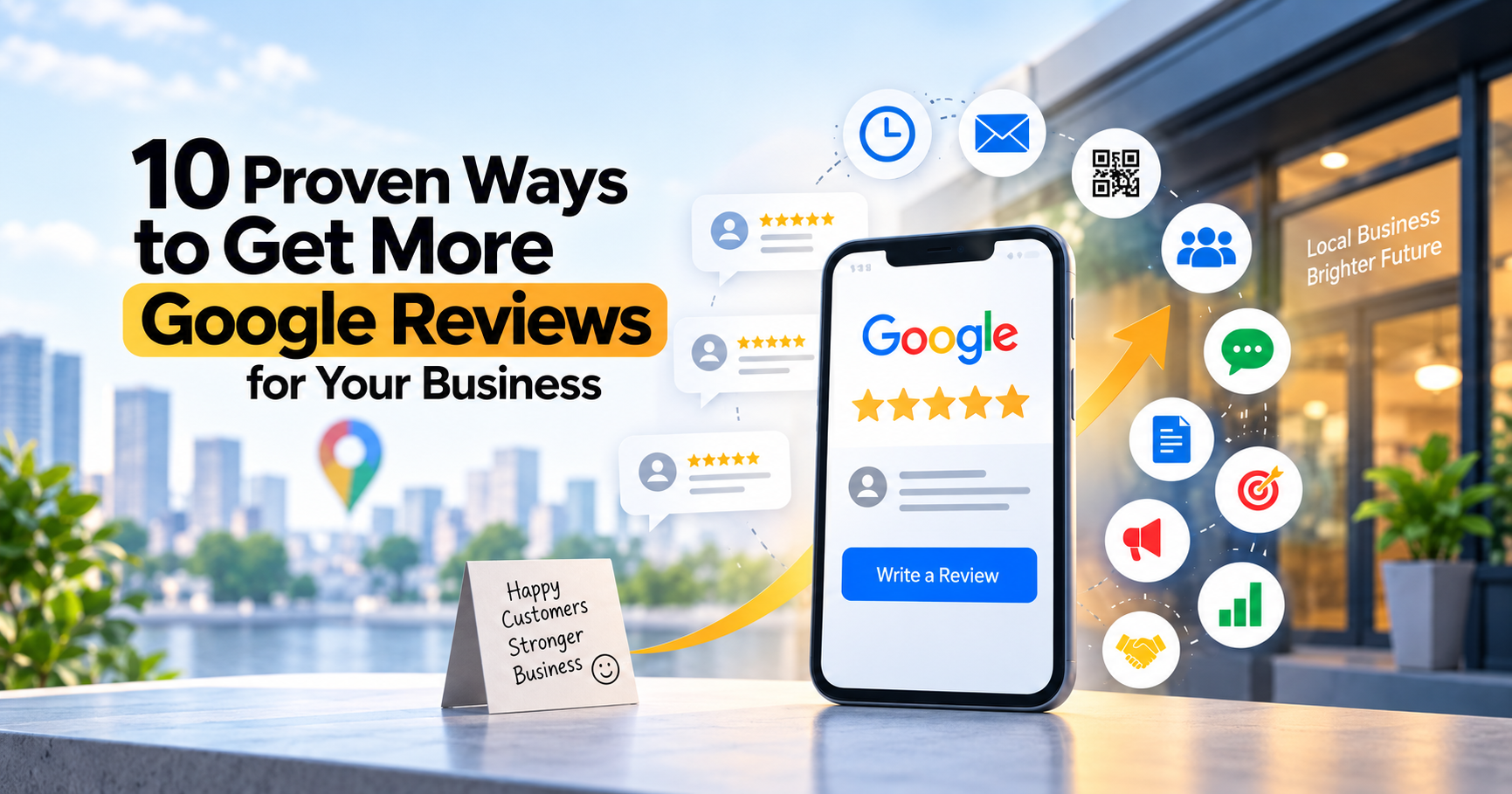
The fastest way to get more Google reviews is to ask at the right moment, make the process a single tap, and turn asking into a repeatable system rather than a one-off favor. Below are 10 strategies that work in 2026, backed by real data, along with the Google rules you need to follow so none of your reviews get removed.
Why Google Reviews Matter More Than Ever in 2026
Reviews are no longer a nice-to-have. They are the first thing a potential customer checks before they check anything else about your business.
97% of consumers read reviews before choosing a local business.
Businesses with 50 or more Google reviews generate roughly 266% more leads than those with fewer than 10.
Reviews now make up around 15 to 16% of the ranking signals Google uses for the local search results (the "map pack").
Consumers are getting pickier. 68% now expect at least a 4-star rating before they will consider a business, up sharply from a couple of years ago.
Recency matters as much as volume. Most consumers say a review older than 3 months carries little weight, and a growing share only trust reviews from the last two weeks.
AI tools like ChatGPT, Gemini, and Perplexity are increasingly used for local recommendations. When these tools summarize "the best plumber near me," they lean heavily on Google review volume, rating, and recent review text.
In short, review count, review recency, and how you respond to reviews now directly affect whether you show up in Google Maps, in AI-generated answers, and in a customer's final decision.
10 Proven Strategies to Get More Google Reviews
1. Ask at the Exact Right Moment, Not Whenever You Remember
Timing is the single biggest lever for review volume. The best moment to ask is right after a customer has a positive experience, while it is still fresh in their mind.
Service businesses (plumbers, salons, contractors): ask within a few hours of job completion, once the customer has seen the finished result.
Restaurants and retail: send a same-day follow-up text after checkout.
E-commerce or delivery-based businesses: ask once the product has arrived and had a couple of days of use, not the moment the order is placed.
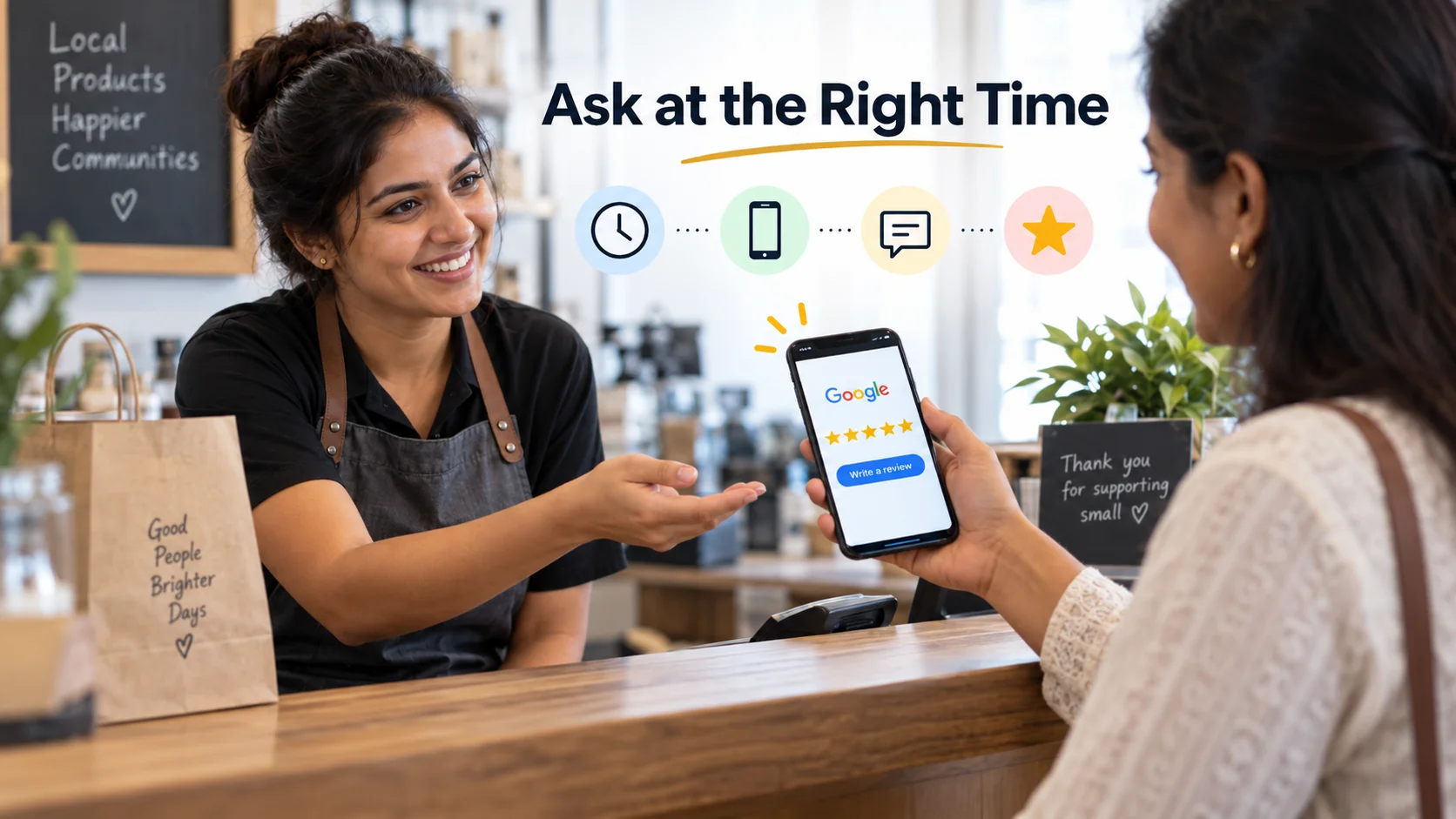
Waiting longer than a week causes response rates to drop off sharply, because the experience is no longer top of mind. Build the ask into your process so it happens automatically, not only when you remember.
2. Make the Review Link a One-Tap Action
Every extra step you add loses you customers. Most people abandon a review request if they have to search for your business on Google themselves.
Get your direct review link (also called a short review link) from your Google Business Profile:
Sign in to your Google Business Profile.
Go to the "Get more reviews" section, or search "get review link" from your dashboard.
Copy the short link Google generates. It takes customers straight to the star-rating screen, no searching required.
Use this exact link everywhere: text messages, email signatures, receipts, and QR codes. A one-tap process can double your response rate compared to asking someone to "search us on Google."
3. Automate Review Requests With Text and Email Follow-Ups
Manually asking every customer does not scale once you are busy. Set up an automated system so the request goes out without you lifting a finger.
Use your CRM, booking software, or a dedicated review tool to trigger a text or email automatically after a job or purchase is marked complete.
Keep the message short: one line explaining why you're asking, followed by the direct link.
Send a single, polite follow-up 3 to 5 days later if the customer has not responded. Do not send more than one reminder. It starts to feel like pressure, and that hurts your brand rather than helping it.
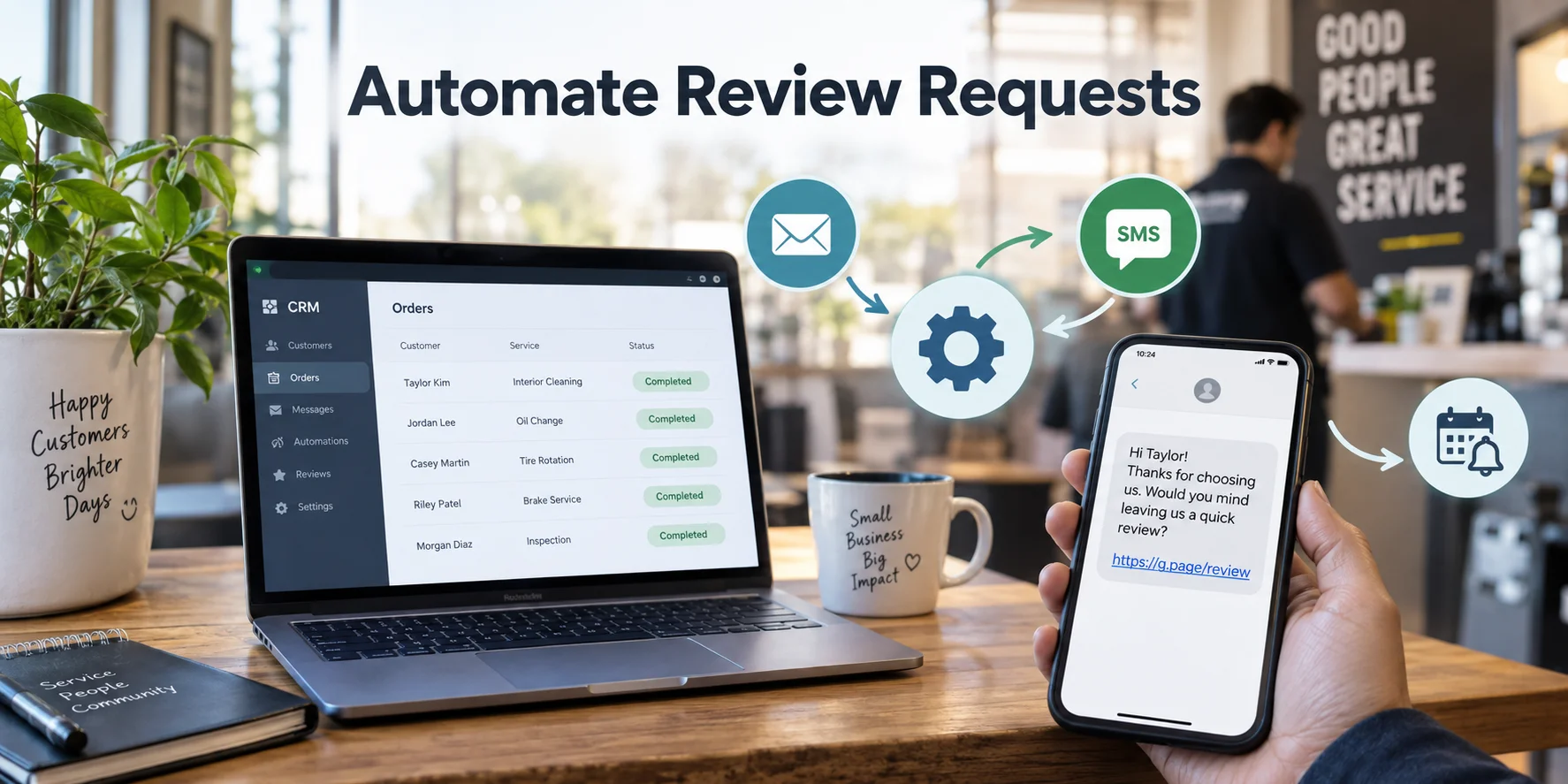
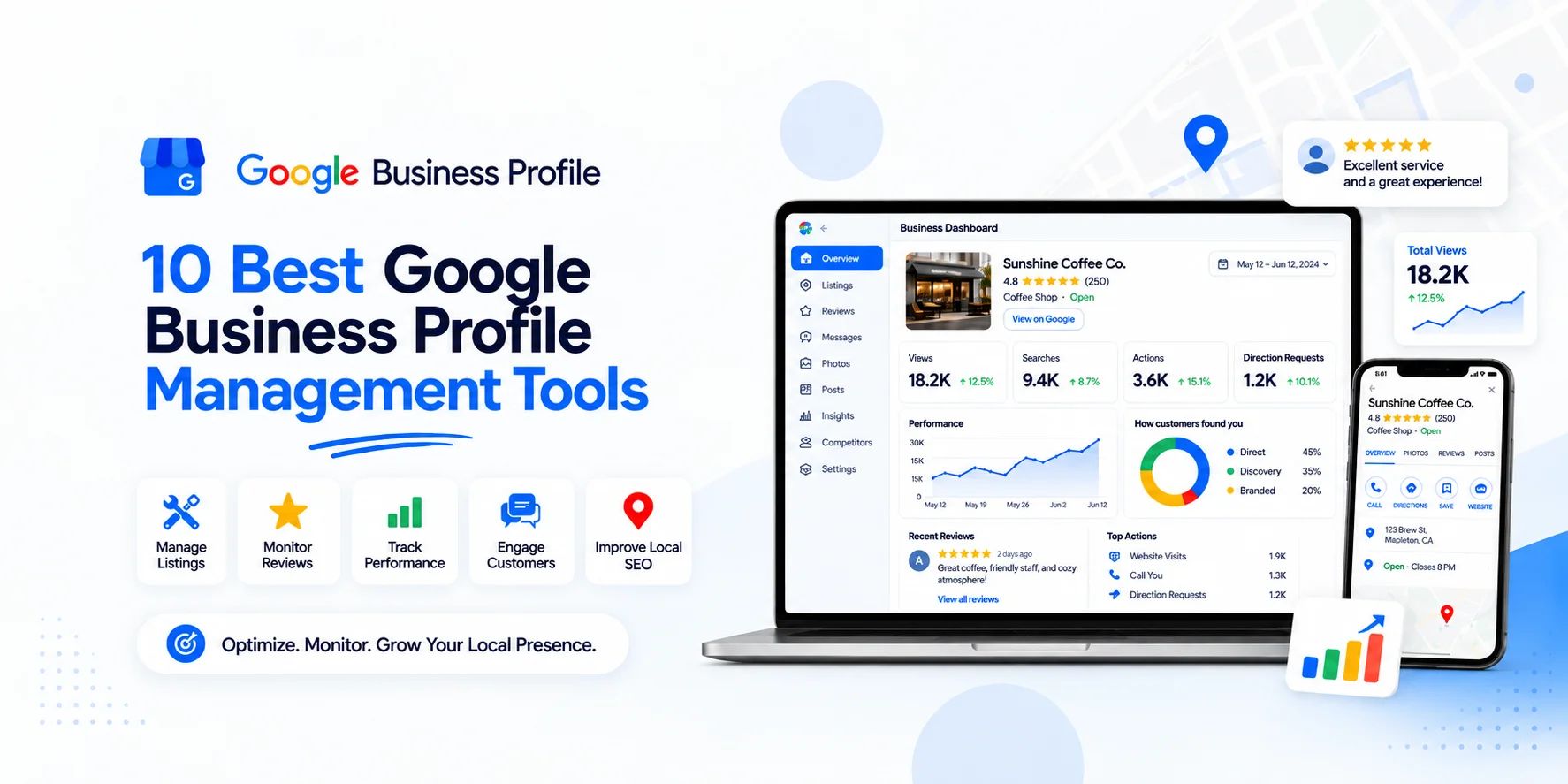
Automation is what separates businesses with a handful of reviews from those with hundreds. It turns "asking for reviews" from a task you forget into a system that runs on its own.If you manage reviews, posts, and profile activity regularly, comparing the right google business profile management tools can also help reduce manual work.
As your review volume grows, replying to every customer can become another task to keep up with. This is where tools like GMB Pro can help by automating review replies, so your business can respond more consistently without adding extra manual work.
4. Train Your Team to Ask in Person, the Right Way
Digital requests work best when they are backed up by a genuine, in-person mention. Train staff to say something simple at the end of a positive interaction, such as:
"I'm really glad this worked out for you. If you have a minute later, a Google review would mean a lot to us. I'll text you the link."
Two important rules here:
Never hand a customer a device on the spot and ask them to write the review while they are standing in front of you. This is now an explicit policy violation, and it also produces short, low-quality reviews.
Never ask staff to request that customers mention them by name. This is banned under Google's current policy and can get reviews removed even if they are genuine.
Instead, let the in-person moment build goodwill, and let the follow-up text or email be where the actual review happens, in the customer's own time.
5. Add Review Requests to Every Touchpoint You Already Have
You do not need a separate campaign. You need to insert your review link into the communications you are already sending.
Email signatures: add a one-line call to action with your review link.
Invoices and receipts: include a QR code or short link at the bottom.
Order confirmation and shipping emails: add a gentle mention that a review is welcome once the order arrives.
Post-purchase thank-you pages: place the review link right where customers land after checkout.
Physical signage: a small QR code near the register or on a table tent works well for walk-in businesses.
None of this asks anything extra of your team. You are simply making sure the option is visible everywhere a happy customer might see it.
6. Reply to All Reviews, Including Negative Feedback
Responding to reviews is not just good customer service. It is also a ranking factor and a trust signal that influences whether new customers convert.
Nearly 9 in 10 consumers now expect a business owner to respond to reviews, and a visible owner response is one of the top factors people use to judge whether a review, and the business behind it, is trustworthy.
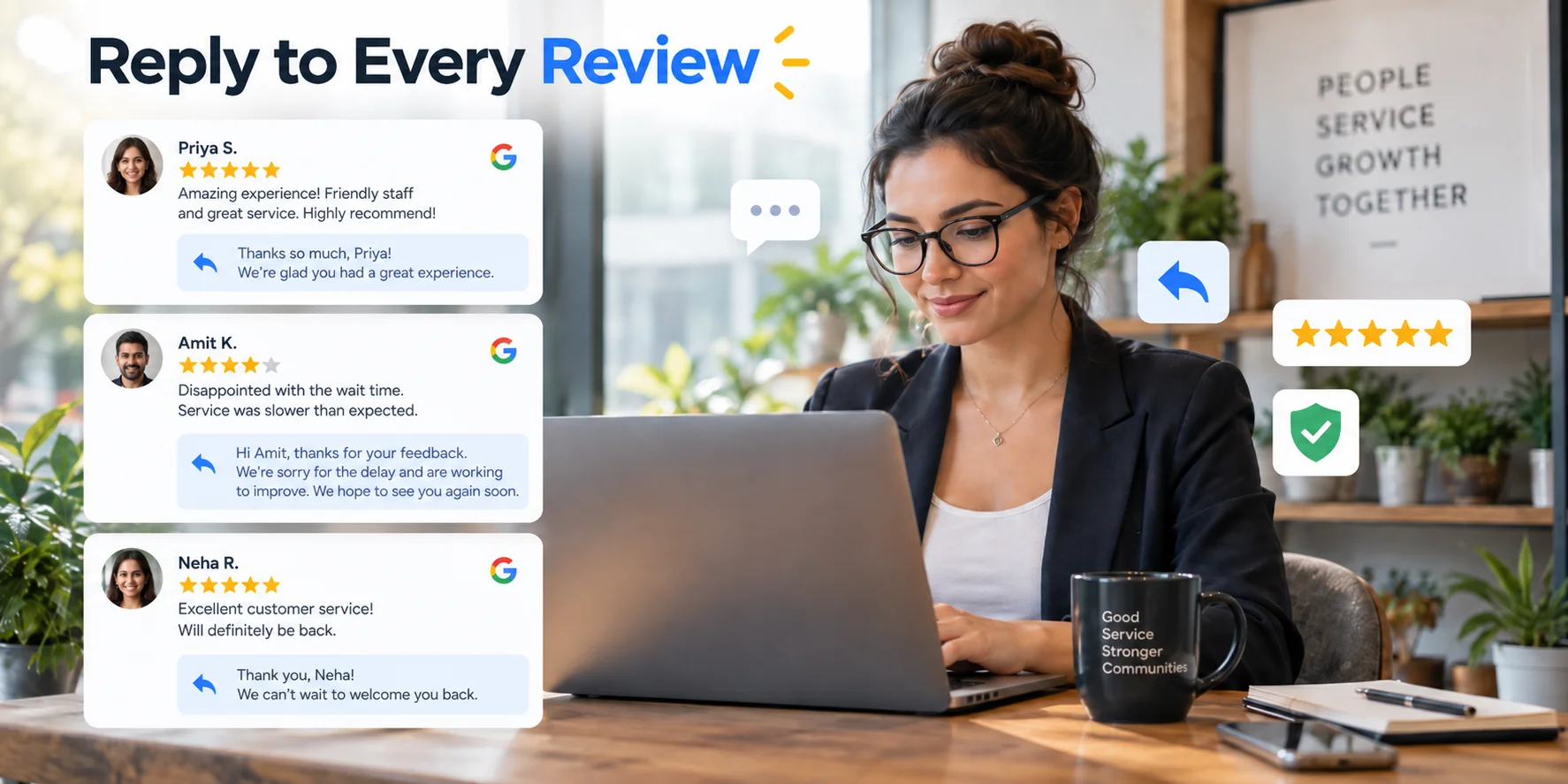
Positive reviews: thank the customer by name, mention something specific from their review, and keep it short.
Negative reviews: respond calmly, acknowledge the issue, and offer to resolve it offline. Never argue in public. A well-handled negative review response often builds more trust than a five-star review with no reply at all, because it shows how you treat problems.
Response time: aim to reply within 24 to 48 hours. Fast responses signal an active, engaged business, both to customers and to Google's ranking systems.
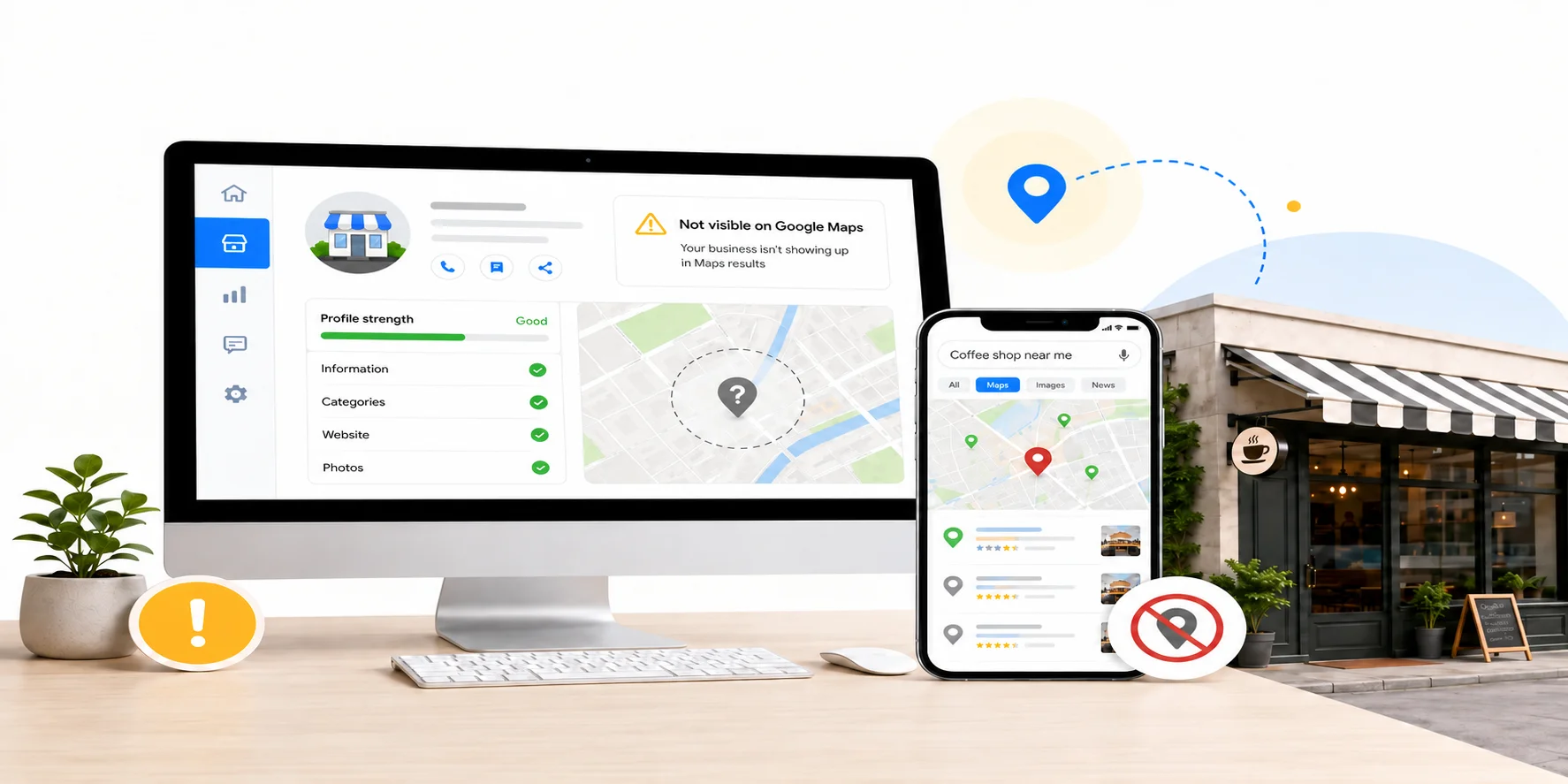
Review activity is also part of a wider local visibility strategy. If your listing still struggles to appear consistently, these steps can help improve your google maps visibility.
7. Make It Easy for Customers Who Already Left Feedback Elsewhere
If a customer emails you a compliment, mentions you in a group chat you're part of, or fills out an internal satisfaction survey with a great score, that is a warm lead for a Google review.
Reply with a short, genuine note: "So glad to hear that! If you're open to it, would you mind sharing that on our Google page? Here's the link." This works well because the customer has already expressed a positive opinion, so you are simply redirecting energy that already exists rather than asking them to manufacture new enthusiasm.
Important: this only applies to customers who volunteered positive feedback on their own. Do not use survey scores to filter out unhappy customers from receiving a review request. That crosses into review gating.
8. Use a QR Code for Physical Locations
For any business with foot traffic, a QR code linked to your direct review link removes almost all friction. Customers scan it with their phone camera and land straight on the review screen.
Good places to display a QR code:
Near the exit or checkout counter
On the receipt itself
On a small table tent at restaurant tables
On a thank-you card included with delivered products
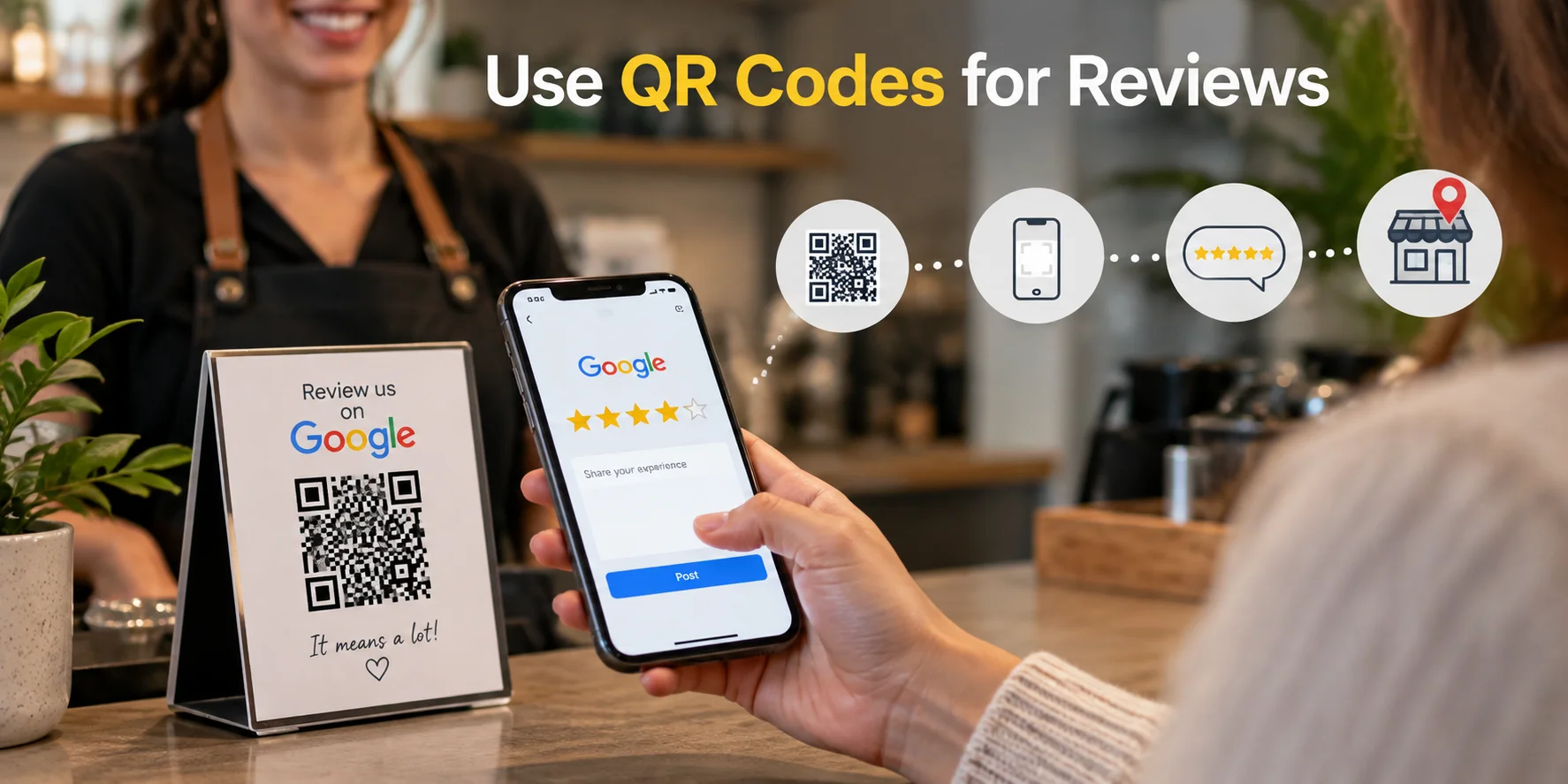
Avoid using a shared in-store tablet or kiosk for this. Google now explicitly prohibits collecting reviews on shared devices in-store, since it opens the door to pressure and manipulation. A QR code that customers scan on their own phone, on their own time, stays fully compliant.
9. Showcase Reviews on Your Website and Social Channels
Displaying your existing Google reviews publicly does two things: it builds trust with new visitors, and it subtly encourages other customers to add their own voice.Reviews work best when they support a wider local SEO strategy, including accurate business information, helpful website content, and consistent local signals.
Embed a live Google review widget on your homepage or a dedicated testimonials page.
Share a standout review as a social media post, with the customer's permission, tagging or crediting them where appropriate.
Add your average rating and review count near your call-to-action buttons, since a visible star rating next to a "Book Now" or "Buy Now" button measurably improves conversion.
This strategy does not directly ask for new reviews, but it reinforces to existing customers that reviews are valued and visible, which nudges more people to add theirs.
10. Track Your Numbers and Fix What Is Not Working
You cannot improve what you do not measure. Set a simple monthly check-in on these numbers:
Review request send rate: what percentage of customers actually receive a review request?
Response rate: what percentage of requests turn into an actual review?
Average rating trend: is it holding steady, improving, or slipping?
Response time to new reviews: are you replying within 48 hours?
If your response rate is low, test a different message, a different send time, or a different channel (text usually outperforms email for this). Small adjustments compound over months into a meaningfully larger, fresher set of reviews.
Common Mistakes That Slow Down Review Growth
Asking too late. Waiting a week or more after the experience sharply lowers your chances of a response.
Making customers search for you. Always use the direct short link, never "just search us on Google."
Only asking happy customers. Review gating is against policy and it also produces an unnaturally perfect rating that experienced buyers are quick to distrust.
Ignoring negative reviews. A pattern of unanswered negative reviews is one of the fastest ways to lose a potential customer's trust.
Offering incentives. Even something as small as a coffee voucher for a review can get the review removed and put your whole profile at risk.
One big push, then silence. A single campaign gets you a short-term spike. A steady, ongoing system is what keeps your reviews recent, which matters more to both customers and Google's algorithm than raw volume alone.
Final Thoughts
Getting more Google reviews comes down to having a simple, consistent process that makes it easy for customers to share their feedback.It is about building a simple, repeatable system: ask at the right time, make it effortless to leave a review, respond to everyone, and stay inside Google's rules. Businesses that treat this as an ongoing habit, rather than a one-time push, end up with more reviews, better ratings, and stronger visibility in both Google Search and the AI tools that are increasingly shaping how customers find local businesses. If reviews are only one part of a larger visibility problem, working with a digital marketing agency in jaipur can help connect your Google Business Profile, SEO, website, and local search efforts.
Choose one strategy from this list to try this week and build from there.Once it becomes routine, add the next one. Within a few months, the difference in your review count, and in the customers it brings you, will be obvious.